
AI tools for time tracking have fundamentally changed how professionals manage their most valuable asset: time. If you are still manually starting and stopping timers, guessing how long tasks took, or struggling to justify billable hours to clients, you are working harder than necessary.
The modern workforce faces a paradox. We have more productivity tools than ever, yet we spend less time on deep work and more time managing the tools themselves. Time tracking should not be a chore. It should be invisible, automatic, and insightful. That is exactly what artificial intelligence delivers.
This guide evaluates seven platforms that go beyond simple stopwatch functionality. These systems learn your work patterns, categorize activities automatically, predict project timelines, and surface insights that help you work smarter. Whether you are a freelancer billing clients, a team lead managing resources, or a solo entrepreneur optimizing your day, the right AI-powered system transforms time from a source of stress into a strategic advantage.
- Why Manual Time Tracking Is Costing You Money
- Seven AI-Powered Platforms That Actually Save Time
- RescueTime: Automatic Activity Monitoring and Focus Scoring
- Toggl Track: Smart Time Entry and Project Forecasting
- Clockify: AI-Assisted Categorization for Teams
- Timely: Memory-Based Automatic Time Logging
- Harvest: Intelligent Billing and Budget Alerts
- Time Doctor: Productivity Analytics and Distraction Blocking
- Everhour: Seamless Integration with Project Management
- Implementation Strategy: From Chaos to Clarity in 30 Days
- Measuring ROI: Metrics That Matter Beyond Billable Hours
- Common Pitfalls That Undermine Time Tracking Success
- Choosing the Right Tool for Your Workflow
- Frequently Asked Questions
Why Manual Time Tracking Is Costing You Money
The average professional wastes 2.5 hours weekly on administrative tasks related to time management. This includes starting and stopping timers, categorizing past activities, reconstructing forgotten work sessions, and justifying time entries to clients or managers. For a freelancer billing $75/hour, that is $9,750 annually lost to the mechanics of tracking itself.
AI tools for time tracking eliminate this friction through three core capabilities:
Automatic Detection The system observes what you are working on without requiring manual input. It recognizes applications, websites, documents, and even meeting contexts. You work naturally; the tool logs silently in the background.
Intelligent Categorization Instead of forcing you to select from dropdown menus, AI analyzes the content and context of your work. Writing a proposal in Google Docs gets tagged as “Sales.” Debugging code in VS Code becomes “Development.” Attending a Zoom call with “Client Review” in the title auto-categorizes as “Client Meetings.”
Predictive Insights Beyond logging, these tools identify patterns. They warn you when projects are trending over budget, suggest optimal work blocks based on your energy cycles, and flag unproductive habits before they become costly patterns.
The shift from manual to automatic tracking is not incremental. It is transformational. You stop thinking about time tracking and start thinking about time investment.
Seven AI-Powered Platforms That Actually Save Time
Not every tool labeled “AI-powered” delivers meaningful automation. After testing dozens of platforms across freelance, agency, and corporate environments, these seven stand out for accuracy, ease of use, and genuine time savings.
RescueTime: Automatic Activity Monitoring and Focus Scoring
Core Function: Passive monitoring with productivity analytics. Why It Stands Out: RescueTime runs silently in the background, tracking application and website usage without any manual input. Its AI categorizes activities as “productive,” “distracting,” or “neutral” based on your work patterns and industry standards. The Focus Time feature blocks distracting sites during designated deep work sessions. Real Performance: Users report gaining 2-3 hours of productive time weekly simply by becoming aware of hidden time drains. The automatic categorization accuracy exceeds 90% after the first week of learning. Best For: Knowledge workers, writers, developers, and anyone struggling with digital distractions. Limitations: Less effective for client billing since it tracks activities, not billable projects. Privacy concerns for some users due to comprehensive monitoring. Pricing: Free tier available. Premium: $12/month or $78/year.
Official Site: https://www.rescuetime.com
Toggl Track: Smart Time Entry and Project Forecasting
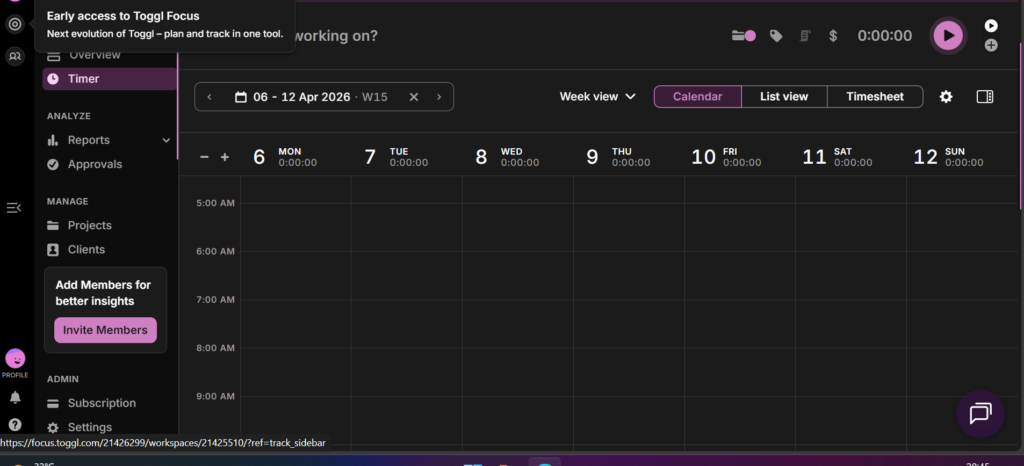
Core Function: Flexible time tracking with AI-powered insights. Why It Stands Out: Toggl Track combines manual and automatic tracking. Its AI suggests time entries based on calendar events, app usage, and historical patterns. The forecasting feature predicts project completion dates and budget overruns by analyzing team velocity and historical data. Real Performance: Agencies using Toggl Track report 40% faster timesheet completion and 25% more accurate project estimates. The idle detection feature automatically prompts you to discard or keep time when you step away from your computer. Best For: Freelancers, agencies, and teams needing client billing with project management integration. Limitations: Advanced AI features require Premium plan. Some users find the interface overwhelming initially. Pricing: Free for up to 5 users. Starter: $9/user/month. Premium: $18/user/month.
Official Site: https://toggl.com/track
Clockify: AI-Assisted Categorization for Teams
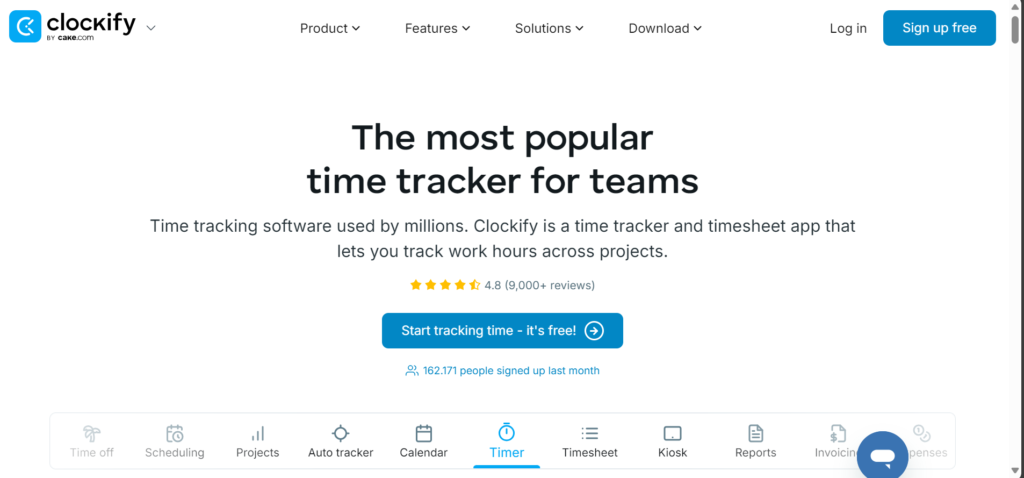
Core Function: Comprehensive time tracking with automated reporting. Why It Stands Out: Clockify offers unlimited users and projects even on the free tier, making it ideal for growing teams. Its AI suggests project and task categories based on your input patterns. The automatic time capture detects which apps and URLs you use and suggests time entries. Real Performance: Teams report 60% reduction in time spent on weekly timesheets. The kiosk mode is excellent for shift workers and shared workstations. Best For: Small to medium teams, agencies, and organizations needing enterprise features without enterprise pricing. Limitations: AI features less sophisticated than premium competitors. Interface can feel cluttered with extensive feature set. Pricing: Free unlimited users. Standard: $5.49/user/month. Pro: $7.99/user/month.
Official Site: https://clockify.me
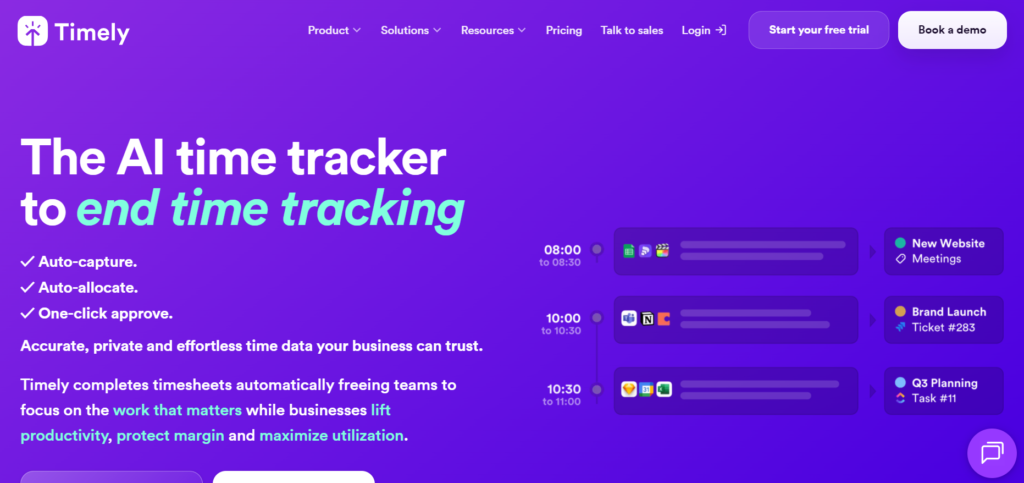
Timely: Memory-Based Automatic Time Logging
Core Function: Privacy-focused automatic time tracking. Why It Stands Out: Timely uses a unique “memory tracker” that records your digital activity locally, then uses AI to suggest time entries at the end of the day. Unlike continuous monitoring, it only processes data when you review your day, addressing privacy concerns. The AI learns your work patterns and auto-assigns time to projects. Real Performance: Users complete daily time reviews in under 5 minutes. The accuracy of automatic project assignment reaches 85% after two weeks of use. Best For: Privacy-conscious professionals, consultants, and anyone who wants automatic tracking without constant surveillance. Limitations: Requires daily review habit. Less real-time insight compared to continuous monitoring tools. Pricing: 14-day free trial. Starter: $9/month. Unlimited: $14/month.
Official Site: https://timelyapp.com
Harvest: Intelligent Billing and Budget Alerts
Core Function: Time tracking with financial intelligence. Why It Stands Out: Harvest focuses on the intersection of time and money. Its AI monitors project budgets in real-time, sending alerts when you are trending over budget before it becomes a problem. The invoicing automation converts tracked time into professional invoices with one click. Real Performance: Freelancers report 30% faster payment cycles and 20% reduction in scope creep due to proactive budget alerts. The expense tracking integration completes the financial picture. Best For: Freelancers and agencies prioritizing profitability and client billing. Limitations: Less robust automatic time capture compared to dedicated monitoring tools. Primarily focused on billable work, not general productivity. Pricing: Free for 1 user, 2 projects. Pro: $12/user/month.
Official Site: https://www.getharvest.com

Time Doctor: Productivity Analytics and Distraction Blocking
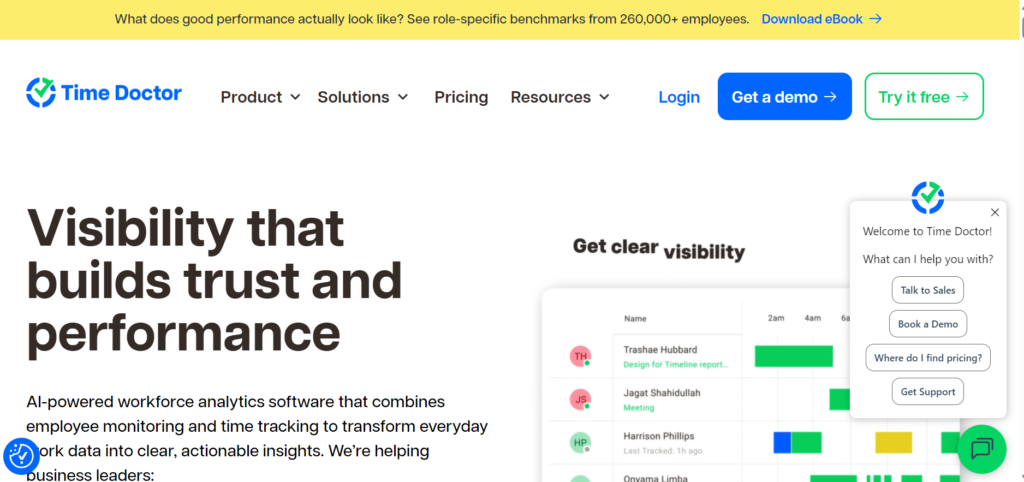
Core Function: Time tracking with performance optimization. Why It Stands Out: Time Doctor goes beyond tracking to actively improve focus. It detects when you are distracted (social media, non-work sites) and sends gentle reminders to get back on task. The screenshot feature (optional) provides visual context for time entries. AI analyzes work patterns to suggest optimal break times and focus sessions. Real Performance: Remote teams report 25% improvement in focused work time and better work-life balance through enforced break reminders. Best For: Remote teams, managers needing visibility, and individuals struggling with self-discipline. Limitations: Can feel intrusive if not implemented with trust. Screenshot feature raises privacy concerns in some cultures. Pricing: 14-day free trial. Basic: $6.70/user/month. Standard: $9.70/user/month.
Official Site: https://www.timedoctor.com
Everhour: Seamless Integration with Project Management
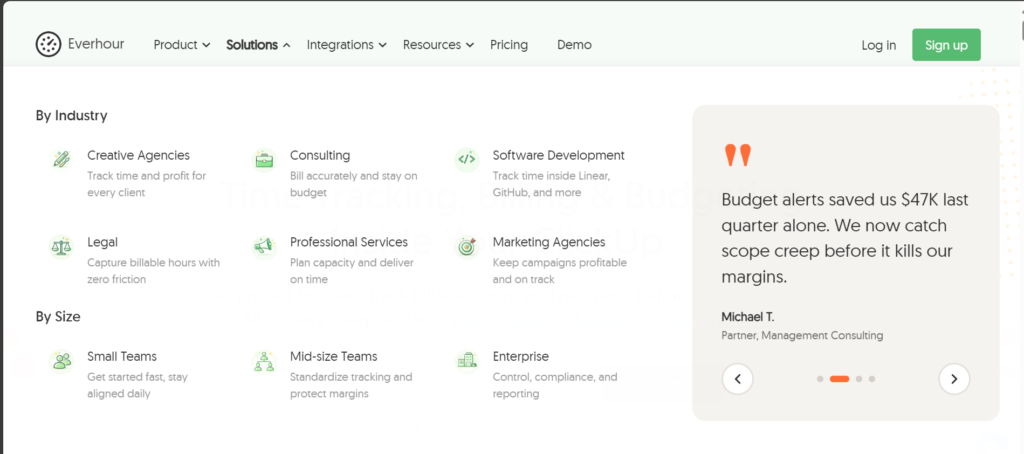
Core Function: Native time tracking within project tools. Why It Stands Out: Everhour embeds directly into Asana, Trello, ClickUp, Basecamp, and other project management platforms. Its AI suggests time allocations based on task complexity and historical data. You never leave your project management tool to track time. Real Performance: Teams using integrated tracking report 50% higher compliance with time logging and more accurate project data. Best For: Teams already using project management tools who want frictionless time tracking. Limitations: Requires subscription to compatible project management platform. Standalone functionality limited. Pricing: Free for individual use. Team: $8.50/user/month.
Official Site: https://everhour.com
Implementation Strategy: From Chaos to Clarity in 30 Days
Deploying AI tools for time tracking requires more than installation. It demands behavioral change and system integration. Follow this phased approach to ensure adoption and maximize value.
Week 1: Baseline and Tool Selection
- Audit your current time management pain points
- Choose one primary tool based on your workflow (see selection guide below)
- Install and configure basic settings
- Do not enable automatic tracking yet. Observe your natural patterns first.
Week 2: Manual Habit Formation
- Track time manually for all work activities
- Review entries daily for 5 minutes
- Train the AI by correcting miscategorizations
- Identify your top 3 time-wasting activities
Week 3: Automatic Tracking Activation
- Enable automatic activity monitoring
- Compare manual vs. automatic entries
- Adjust sensitivity and privacy settings
- Set up project budgets and alerts if applicable
Week 4: Optimization and Integration
- Connect integrations (calendar, project management, invoicing)
- Configure automated reports for yourself or clients
- Establish weekly review ritual (30 minutes every Friday)
- Share insights with team or accountability partner
The key is gradual adoption. Do not try to perfect everything in week one. Consistency beats intensity.
Measuring ROI: Metrics That Matter Beyond Billable Hours
Implementing AI tools for time tracking is an investment. To justify the cost and effort, track these metrics:
Time-to-Invoice Reduction Measure the hours between completing work and sending the invoice. Automatic tracking should reduce this from days to hours. Target: <24 hours for freelancers.
Billing Accuracy Compare estimated vs. actual hours per project. AI insights should improve estimation accuracy by 20-30% within 90 days.
Recovered Revenue Calculate previously unbilled time now captured automatically. Many professionals discover 5-10 hours monthly of forgotten billable work.
Focus Time Increase Track deep work hours per week. Distraction-blocking features should increase focused time by 15-25%.
Administrative Overhead Measure time spent on timesheets, invoicing, and client reporting. Automation should reduce this by 60-80%.
Client Satisfaction Survey clients on invoice clarity and project communication. Detailed time logs improve transparency and reduce disputes.
Document baseline metrics before implementation. Review monthly. The tool is working if at least three metrics show improvement within 60 days.
Common Pitfalls That Undermine Time Tracking Success
Even the best AI tools for time tracking fail when implemented poorly. Avoid these mistakes:
1. Over-Tracking Every Minute Not every activity needs categorization. Tracking bathroom breaks or lunch creates noise, not insight. Focus on work activities that impact billing, productivity, or project delivery.
2. Ignoring Privacy Boundaries If using monitoring tools with teams, establish clear policies. Explain what is tracked, why it matters, and how data will be used. Surveillance without trust destroys morale.
3. Setting and Forgetting AI learns from your corrections. If you do not review and adjust categorizations weekly, the system drifts. Schedule 10 minutes every Friday to train your tool.
4. Chasing Perfect Accuracy Aim for 85-90% accuracy, not 100%. The last 10% requires disproportionate effort. Good enough data that you actually use beats perfect data you ignore.
5. Not Acting on Insights Tracking without analysis is voyeurism. If your tool shows you spend 15 hours weekly in meetings but only 5 hours on deep work, change your schedule. Data without action is wasted potential.
6. Tool Hopping Give your chosen platform 90 days minimum. Every tool has a learning curve. Switching monthly prevents you from seeing long-term patterns and ROI.
Choosing the Right Tool for Your Workflow
Not every platform fits every situation. Use this decision framework:
For Solo Freelancers:
- Primary need: Client billing and invoicing
- Best choice: Harvest or Toggl Track
- Why: Simple setup, professional invoices, budget alerts
For Remote Teams:
- Primary need: Visibility and accountability
- Best choice: Time Doctor or Clockify
- Why: Team dashboards, productivity insights, screenshot options
For Privacy-Conscious Professionals:
- Primary need: Automatic tracking without surveillance
- Best choice: Timely or RescueTime
- Why: Local processing, end-of-day review, no constant monitoring
For Agencies:
- Primary need: Project profitability and resource allocation
- Best choice: Toggl Track Premium or Harvest Pro
- Why: Advanced reporting, team management, client access
For Deep Work Focus:
- Primary need: Minimizing distractions
- Best choice: RescueTime Premium
- Why: Automatic blocking, focus sessions, productivity scoring
For Project Management Integration:
- Primary need: Seamless workflow
- Best choice: Everhour
- Why: Native integration with Asana, Trello, ClickUp
The best tool is the one you will actually use consistently. Prioritize ease of use over feature count.
Frequently Asked Questions
Do AI tools for time tracking work offline?
Most tools offer limited offline functionality. Toggl Track, Clockify, and Harvest allow manual entry when disconnected and sync when reconnected. Automatic tracking requires internet connectivity for AI processing and cloud storage.
Can these tools track multiple clients or projects simultaneously?
Yes. All platforms reviewed support unlimited projects and clients (with plan limitations). The AI categorizes time by project based on context, application, or manual tags. You can switch between projects seamlessly or let the tool detect context changes.
Is employee monitoring legal with these tools?
Legality varies by jurisdiction. In most regions, employers can monitor work devices and time if they disclose the practice and obtain consent. GDPR in Europe requires explicit consent and data protection. Always consult legal counsel and establish clear written policies before implementing monitoring.
How accurate is automatic time categorization?
After initial training (1-2 weeks), accuracy typically reaches 85-95%. The AI learns from your corrections. Complex workflows or frequent context-switching may reduce accuracy. Manual review and adjustment remain important for billing-critical entries.
Will these tools slow down my computer?
Modern AI tools for time tracking are optimized for minimal resource usage. Expect 1-3% CPU usage and 50-150MB RAM. This is negligible on modern hardware. Battery impact on laptops is minimal (5-10% reduction in battery life).
Can I export my time data if I switch tools?
Yes. All platforms support CSV, Excel, or PDF export. Some offer API access for programmatic data extraction. Always download your historical data before canceling a subscription. Data portability is a standard feature.
Do these tools integrate with accounting software?
Most integrate with QuickBooks, Xero, FreshBooks, and Wave. Harvest and Toggl Track have the most extensive accounting integrations. Check compatibility with your existing stack before committing.