AI logo makers have democratized professional brand design, putting capabilities once reserved for companies with thousand-dollar budgets into the hands of entrepreneurs, small businesses, and creators worldwide. If you have ever stared at a blank canvas wondering how to translate your business vision into a visual identity, or felt overwhelmed by the prospect of hiring a designer you cannot afford, this guide changes everything.
The landscape of logo design has undergone a seismic shift. What previously required weeks of back-and-forth with design agencies, multiple revision rounds, and investments ranging from $500 to $5,000, now happens in minutes through intelligent platforms that understand design principles, color psychology, and brand positioning. These tools do not just generate random graphics. They analyze your industry, suggest appropriate aesthetics, and deliver complete brand identity systems.
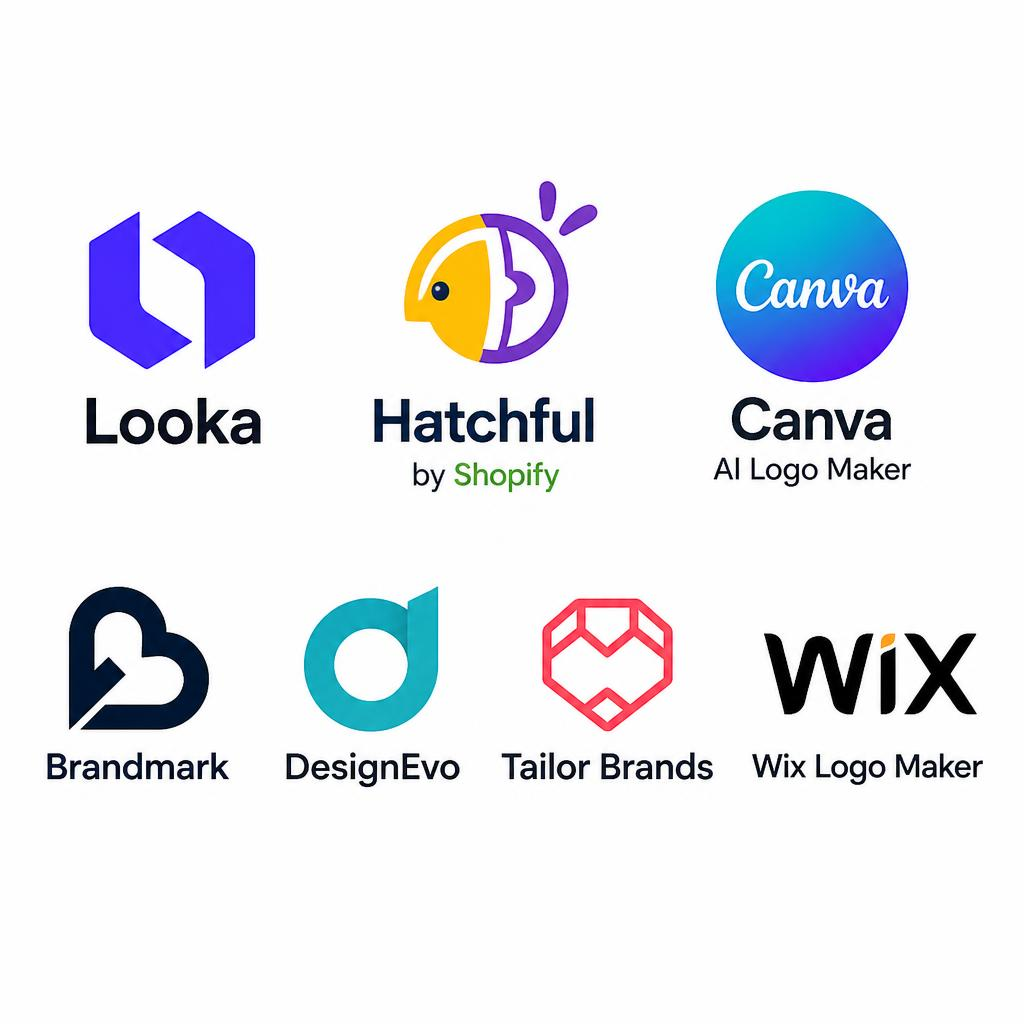
This comprehensive evaluation examines seven platforms that stand out in 2026 for their combination of design quality, customization flexibility, and commercial viability. Each tool has been tested across real branding scenarios, from tech startups to artisanal businesses, revealing which platforms deliver professional results and which produce generic clipart.
- The Logo Design Revolution: Why AI Changes Everything
- What Separates Great AI Logo Makers from Mediocre Ones
- Looka: Brand Identity Generation That Understands Context
- Hatchful by Shopify: E-Commerce Focused Design at Zero Cost
- Canva AI Logo Maker: Template Power Meets Intelligent Suggestions
- Brandmark: Minimalist Design Through Machine Learning
- DesignEvo: Extensive Icon Library with Smart Customization
- Tailor Brands: Complete Branding Ecosystem Beyond Logos
- Wix Logo Maker: Website Integration and Design Cohesion
- Head-to-Head Comparison: Features, Pricing, and Output Quality
- The Psychology of AI-Generated Logos: Do Customers Notice?
- From Logo to Complete Brand Identity: What Comes Next
- Common Mistakes That Undermine AI-Generated Logos
- When to Use AI Logo Makers vs. Hiring a Human Designer
- Frequently Asked Questions
The Logo Design Revolution: Why AI Changes Everything
Traditional logo design followed an expensive, time-consuming trajectory. You would brief a designer, wait for initial concepts, provide feedback, wait for revisions, and repeat until budget or patience ran out. The process assumed that creative intuition required human hands and that quality demanded premium prices.
AI logo makers have shattered these assumptions by encoding decades of design knowledge into algorithms that understand:
- Color theory: Which combinations evoke trust, energy, sophistication, or playfulness
- Typography hierarchy: How font choices communicate brand personality
- Composition principles: Balance, proportion, and visual weight distribution
- Industry conventions: What works for tech startups versus restaurants versus law firms
- Scalability requirements: How logos perform at business card size versus billboard scale
The business implications are profound. A solopreneur launching a consulting practice can now access the same design sophistication as a venture-backed startup. A local bakery can establish visual credibility without diverting funds from ingredients and equipment. The playing field has leveled.
But not all AI logo makers deliver equivalent results. Some produce generic symbols that blend into the background. Others generate distinctive marks that genuinely differentiate your brand. Understanding the differences determines whether you invest in a tool that elevates your business or one that wastes your time.
What Separates Great AI Logo Makers from Mediocre Ones
After testing dozens of platforms, clear patterns emerged distinguishing exceptional tools from disappointing ones.
Design Quality and Originality
The best AI logo makers do not simply combine random icons with fonts. They analyze your business name, industry, and preferences to create cohesive designs where every element reinforces your brand message. The difference between a $50 logo and a $5,000 logo often comes down to thoughtful integration, not raw artistic talent.
Customization Depth
Templates are starting points, not endpoints. Superior platforms allow granular control over every design element: adjusting kerning between letters, modifying icon proportions, fine-tuning color saturation, and experimenting with layout variations. You should feel like a creative director, not a passive recipient.
File Format and Usage Rights
A logo is useless if you cannot deploy it across platforms. Professional tools provide vector files (SVG, EPS) for infinite scalability, high-resolution PNGs with transparent backgrounds, and comprehensive licensing that permits commercial use without restrictions or attribution requirements.
Brand Consistency Tools
Your logo is just one piece of brand identity. Leading platforms extend beyond the mark itself to provide color palettes, font pairings, business card designs, social media templates, and brand guidelines that ensure consistency across all touchpoints.
Iterative Intelligence
The best systems learn from your preferences. If you reject certain styles or favor specific aesthetics, the AI adapts its suggestions accordingly, becoming more aligned with your vision over time.
Looka: Brand Identity Generation That Understands Context
Looka has established itself as a leader among AI logo makers by combining sophisticated design algorithms with an intuitive user experience that guides rather than overwhelms.
How It Works:
The process begins with a deceptively simple question: “What is your business name?” From there, Looka asks about your industry, design style preferences (modern, classic, playful, sophisticated), and color inclinations. These inputs feed into an AI engine trained on thousands of successful brand identities.
Within minutes, you receive dozens of logo variations. But Looka does not stop at generation. The platform provides a brand kit that includes:
- Business card designs
- Letterhead templates
- Social media profile images
- Email signatures
- Brand color palette with hex codes
- Typography recommendations
Real-World Performance:
Testing Looka with a fictional coffee roasting business revealed impressive contextual awareness. The AI suggested earth tones (browns, warm oranges) and organic, hand-drawn typography that communicated artisanal quality. When the same process was repeated for a cybersecurity startup, the system pivoted to sleek, geometric designs in blues and dark grays—colors associated with trust and technological sophistication.
Strengths:
- Exceptional brand kit comprehensiveness
- High-quality vector file exports
- Intuitive customization interface
- Strong understanding of industry-specific design conventions
- 24/7 customer support
Limitations:
- Higher price point than some competitors
- Limited icon library compared to template-heavy platforms
- Requires subscription for ongoing brand kit access
Pricing: One-time logo purchase: $65. Brand kit subscription: $16/month or $96/year.
example Looka:
Official Site: https://looka.com
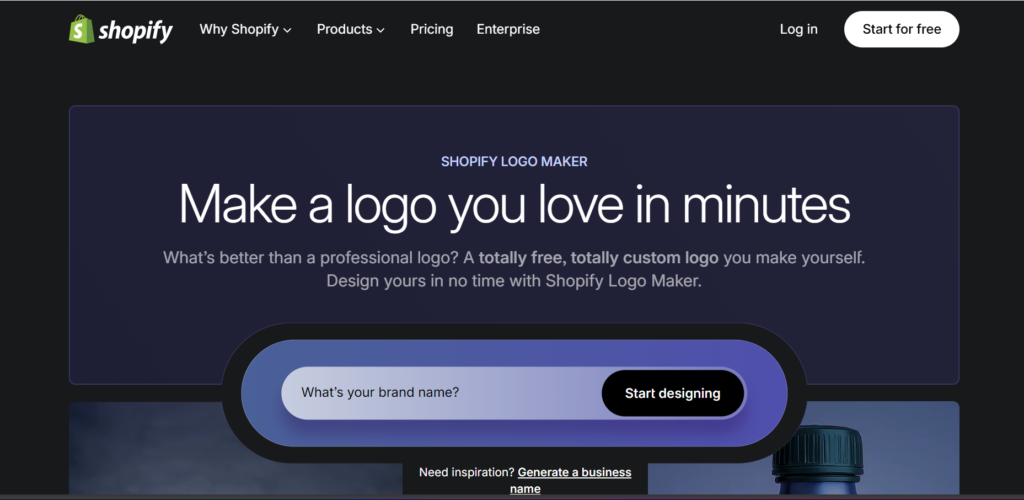
Hatchful by Shopify: E-Commerce Focused Design at Zero Cost
Shopify’s Hatchful represents a different philosophy among AI logo makers: provide a capable, free tool that drives adoption of their e-commerce platform while helping entrepreneurs establish professional presence.
The Value Proposition:
Hatchful is completely free. No watermarks, no premium tiers, no hidden fees. You receive high-resolution logo files suitable for web and print without spending a dime. For bootstrapped entrepreneurs, this represents genuine value.
Design Approach:
The platform asks about your business type, visual style preferences, and where you plan to use your logo (website, social media, print materials). Based on these inputs, Hatchful generates designs optimized for e-commerce contexts.
The icon library emphasizes retail-friendly imagery: shopping bags, storefronts, abstract symbols suggesting commerce and transactions. Typography tends toward clean, readable fonts that perform well on product packaging and website headers.
Real-World Testing:
Creating a logo for a handmade jewelry store took approximately 10 minutes from start to finish. The final package included:
- Logo in multiple color variations
- Social media profile images (Facebook, Instagram, Twitter, LinkedIn)
- Favicon for website
- High-resolution PNG files
Strengths:
- Completely free with no watermarks
- E-commerce optimized designs
- Quick generation process
- Includes social media assets
- No account required for basic downloads
Limitations:
- Less customization depth than paid platforms
- Smaller icon library
- No vector file formats (PNG only)
- Limited brand kit features
- Designs can feel template-like
Best For: Entrepreneurs launching on a budget, Shopify store owners, side hustlers testing business ideas.
Official Site: https://hatchful.shopify.com
Related: If you are building an e-commerce presence, explore our guide on AI tools for e-commerce to automate product descriptions, customer service, and inventory management.
Canva AI Logo Maker: Template Power Meets Intelligent Suggestions
Canva has democratized design across multiple categories, and their AI logo makers functionality extends this philosophy by combining an extensive template library with intelligent customization suggestions.
The Hybrid Approach:
Unlike pure AI generators that create logos from scratch, Canva blends artificial intelligence with human-designed templates. The AI analyzes your preferences and suggests relevant templates, which you then customize using Canva’s drag-and-drop editor.
This approach offers distinct advantages:
- Access to professionally designed starting points
- Massive library of icons, fonts, and graphic elements
- Familiar interface for anyone who has used Canva for social media graphics
- Ability to create complete brand collateral in one platform
Customization Capabilities:
Canva’s strength lies in granular control. You can:
- Adjust individual element positioning with pixel-level precision
- Apply effects like shadows, gradients, and outlines
- Upload custom fonts or icons
- Create multiple logo variations for different use cases
- Design matching business cards, letterheads, and social media graphics
Real-World Application:
Testing revealed that Canva works best when you have some design direction. Starting from a blank slate can feel overwhelming given the sheer number of options. However, browsing templates for inspiration, then customizing a promising starting point, produces professional results efficiently.
Strengths:
- Massive template and element library
- Intuitive drag-and-drop interface
- Extensive customization options
- Free tier available
- Seamless integration with other Canva design tools
- Collaborative features for team feedback
Limitations:
- Requires more design judgment than pure AI generators
- Can feel overwhelming for complete beginners
- Premium elements require Pro subscription
- No true AI generation from text prompts
- Risk of using popular templates that others also choose
Pricing: Free tier with limitations. Canva Pro: $12.99/month or $119.99/year.
Official Site: https://www.canva.com
Brandmark: Minimalist Design Through Machine Learning
Brandmark occupies a unique position among AI logo makers by specializing in minimalist, modern design aesthetics that appeal to tech startups, SaaS companies, and contemporary brands.
Design Philosophy:
Where some platforms offer thousands of style variations, Brandmark focuses on doing one thing exceptionally well: creating clean, memorable logos that work beautifully at any size. The AI emphasizes:
- Simple geometric shapes
- Limited color palettes (often 2-3 colors maximum)
- Sans-serif typography
- Negative space utilization
- Scalability across digital and print contexts
The Generation Process:
Brandmark asks for your company name, optional tagline, industry, and keywords describing your brand personality. The AI then generates designs that prioritize memorability and versatility over decorative complexity.
What distinguishes Brandmark is its color intelligence. The system does not just pick aesthetically pleasing combinations. It analyzes color psychology research to select palettes that align with your industry and desired brand perception.
Testing Results:
Creating a logo for a fintech startup produced sophisticated results: a geometric mark suggesting growth and stability, paired with a modern sans-serif typeface, in a palette of navy blue and emerald green—colors associated with trust, wealth, and innovation.
Strengths:
- Exceptional minimalist design quality
- Strong understanding of color psychology
- Clean, professional outputs
- Good vector file support
- Fast generation process
- No subscription required
Limitations:
- Limited style variety (primarily minimalist)
- Less suitable for traditional or ornate brand aesthetics
- Smaller icon library
- Fewer customization options than template-based platforms
- One-time purchase model means no ongoing updates
Pricing: One-time fee: $25 for basic package, $65 for premium package with full copyright.
Official Site: https://brandmark.io
DesignEvo: Extensive Icon Library with Smart Customization
DesignEvo takes a different approach among AI logo makers by combining AI-powered suggestions with one of the industry’s largest icon libraries, offering over 10,000 templates and 100+ fonts.
The Template-First Strategy:
Rather than generating logos from scratch, DesignEvo uses AI to recommend relevant templates from its extensive library based on your industry and preferences. You then customize using a comprehensive editor that provides:
- Icon library organized by category
- Font pairing suggestions
- Color palette recommendations
- Shape and layout adjustments
- Text effects and styling options
Volume and Variety:
Where minimalist-focused platforms might generate 20-30 variations, DesignEvo can produce hundreds of options across diverse styles: vintage, modern, playful, professional, abstract, literal. This breadth makes it suitable for businesses that do not fit neatly into contemporary tech aesthetics.
Real-World Testing:
Creating a logo for a children’s daycare revealed DesignEvo’s strength in varied aesthetics. The platform suggested colorful, playful designs with rounded typography and friendly icons (animals, stars, building blocks)—a stark contrast to the minimalist sophistication of Brandmark or Looka.
Strengths:
- Massive template and icon library
- Diverse style options beyond minimalist
- Affordable pricing
- Intuitive customization interface
- Good font selection
- Suitable for traditional and playful brands
Limitations:
- Quality varies significantly across templates
- Can feel overwhelming due to sheer volume
- Some designs appear dated or clipart-like
- Requires design judgment to avoid generic results
- Free version includes watermarks
Pricing: Free tier with watermarks. One-time purchase: $24.99 for basic, $49.99 for premium vector files.
Official Site: https://www.designevo.com
Tailor Brands: Complete Branding Ecosystem Beyond Logos
Tailor Brands positions itself not just among AI logo makers but as a comprehensive branding platform that guides businesses from concept to complete visual identity.
Holistic Branding Approach:
The platform recognizes that a logo alone does not make a brand. Tailor Brands provides:
- AI-generated logo designs
- Brand identity guidelines document
- Business card and stationery designs
- Social media profile and cover images
- Email signature templates
- Brand book with usage guidelines
- Ongoing brand management tools
The AI Design Engine:
Tailor Brands uses a sophisticated questionnaire to understand your brand personality, target audience, competitive landscape, and design preferences. The AI then generates logos that align with your strategic positioning, not just aesthetic preferences.
What distinguishes the platform is its emphasis on brand strategy. Before showing designs, it asks about your unique value proposition, customer demographics, and competitive differentiation—information that informs design decisions.
Testing Experience:
Creating a brand identity for a sustainable fashion brand revealed Tailor Brands’ strategic depth. The AI suggested earth tones, organic shapes, and elegant serif typography that communicated environmental responsibility and premium quality. The accompanying brand guidelines document explained the reasoning behind each choice, providing educational value beyond just the assets.
Strengths:
- Comprehensive branding ecosystem
- Strategic approach to design
- Excellent brand guidelines documentation
- Ongoing brand management tools
- Social media integration
- Strong customer support
Limitations:
- Subscription model (no one-time purchase)
- Higher long-term cost
- Can feel complex for simple logo needs
- Requires time investment in questionnaire
- Some features only available at higher tiers
Pricing: Basic: $3.99/month. Premium: $12.99/month. Complete: $22.99/month.
Official Site: https://www.tailorbrands.com
Wix Logo Maker: Website Integration and Design Cohesion
Wix Logo Maker offers a compelling value proposition among AI logo makers: seamless integration with the Wix website builder, creating cohesive brand experiences across your entire digital presence.
The Integration Advantage:
If you plan to build your website on Wix, the logo maker provides unique benefits:
- Logos automatically sync to your Wix site
- Consistent design language across platform
- One-click application to headers, footers, and favicons
- Mobile optimization built-in
- No file management required
Design Process:
The platform asks about your business name, industry, and design style preferences (playful, modern, professional, etc.). The AI generates logo variations that you can customize using Wix’s editor, which provides:
- Icon and symbol library
- Font selection and pairing
- Color palette adjustments
- Layout modifications
- Text styling options
Real-World Application:
Testing with a restaurant concept revealed Wix Logo Maker’s strength in creating web-ready designs. The generated logos performed well as website headers, mobile navigation elements, and social media profiles. The platform clearly optimizes for digital contexts.
Strengths:
- Seamless Wix website integration
- Web-optimized designs
- User-friendly customization
- Affordable pricing
- Good mobile responsiveness
- Automatic favicon generation
Limitations:
- Best value only if using Wix website builder
- Limited customization compared to standalone tools
- Smaller icon library than specialized platforms
- Designs can feel template-based
- Less suitable for print-heavy branding needs
Pricing: Free to design and preview. Download: $20 one-time for basic files, $50 for full package with vector files.
Official Site: https://www.wix.com/logo-maker
Head-to-Head Comparison: Features, Pricing, and Output Quality
To help you choose among these AI logo makers, here is a direct comparison across critical dimensions:
Design Quality
Excellent: Looka, Brandmark, Tailor Brands Very Good: Canva, Wix Logo Maker Good: DesignEvo, Hatchful
Customization Depth
Most Control: Canva, DesignEvo Moderate Control: Looka, Tailor Brands, Wix Limited Control: Hatchful, Brandmark
Pricing Value
Best Free Option: Hatchful (completely free) Best One-Time Purchase: Brandmark ($25-65) Best Subscription Value: Looka ($96/year for full brand kit)
File Format Support
Full Vector Support: Looka, Brandmark, DesignEvo (premium), Tailor Brands (premium) PNG Only: Hatchful, Wix (basic tier)
Best Use Cases
| Platform | Ideal For |
|---|---|
| Looka | Professional businesses needing complete brand identity |
| Hatchful | Bootstrapped entrepreneurs, e-commerce startups |
| Canva | Designers wanting control, teams needing collaboration |
| Brandmark | Tech startups, minimalist brands |
| DesignEvo | Traditional businesses, diverse style needs |
| Tailor Brands | Strategic branding, ongoing brand management |
| Wix Logo Maker | Wix website users, web-first businesses |
The Psychology of AI-Generated Logos: Do Customers Notice?
A critical question surrounds AI logo makers: can customers distinguish AI-generated logos from human-designed ones, and does it matter?
Research Findings:
Studies on logo perception reveal that customers evaluate logos based on:
- Relevance: Does the design fit the industry and brand personality?
- Memorability: Is it distinctive enough to recall?
- Scalability: Does it work at different sizes?
- Timelessness: Will it look dated in 2-3 years?
AI-generated logos perform comparably to human designs on the first three criteria when created using professional platforms. The timelessness question remains open, as AI logo makers have only existed for a few years.
The Authenticity Question:
Some brands worry that using AI rather than human designers feels inauthentic. However, most customers do not know or care how a logo was created. They care whether it:
- Looks professional
- Communicates trust and competence
- Is visually appealing
- Differentiates the brand from competitors
If an AI logo achieves these goals, the creation method becomes irrelevant.
When AI Logos Excel:
- Small businesses with limited budgets
- Rapid prototyping and testing
- Side projects and MVPs
- Personal brands and solopreneurs
- Businesses needing quick rebranding
When Human Designers Still Matter:
- Complex brand positioning requiring deep strategic thinking
- Highly regulated industries with specific compliance needs
- Brands requiring extensive custom illustration
- Companies with unique cultural or historical contexts
- Situations demanding extensive stakeholder buy-in
From Logo to Complete Brand Identity: What Comes Next
Creating a logo is just the beginning. AI logo makers increasingly recognize this and provide tools to extend your visual identity across all brand touchpoints.
Essential Brand Elements Beyond the Logo:
1. Color Palette Your logo colors should extend to a complete palette including:
- Primary brand colors (2-3)
- Secondary colors (3-5)
- Neutral tones for backgrounds and text
- Accent colors for calls-to-action
Most platforms provide hex codes for consistent application.
2. Typography System Select 2-3 fonts that complement your logo:
- Primary font for headings
- Secondary font for body text
- Optional accent font for special elements
Canva and Tailor Brands excel at providing font pairing suggestions.
3. Business Card Design Your logo needs context. Professional business cards establish credibility and provide contact information in a tangible format. Looka and Tailor Brands include business card templates.
4. Social Media Assets Consistent profile images, cover photos, and post templates across platforms reinforce brand recognition. Hatchful and Canva provide pre-sized social media graphics.
5. Brand Guidelines Document A simple one-page guide specifying:
- Logo usage rules (minimum size, clear space, color variations)
- Color palette with hex/RGB codes
- Typography specifications
- Do’s and don’ts for brand application
This ensures consistency as your business grows.
Common Mistakes That Undermine AI-Generated Logos
Even the best AI logo makers can produce disappointing results if you make these common errors:
1. Rushing the Process Spending 10 minutes on your logo versus 2-3 hours yields dramatically different results. Experiment with variations, test different color combinations, and sleep on your decision before finalizing.
2. Ignoring Scalability A logo that looks great at 500 pixels may become illegible at 50 pixels. Always test your design at multiple sizes: favicon (16×16), social media profile (400×400), and large format (1000×1000).
3. Overcomplicating the Design More elements do not equal more impact. Simple logos like Apple’s apple or Nike’s swoosh dominate because they are instantly recognizable. If your design requires explanation, simplify it.
4. Following Trends Blindly Minimalist gradients and geometric abstraction are popular now, but will they feel dated in 2028? Aim for timeless over trendy. Classic designs age better than fashionable ones.
5. Neglecting Context Your logo exists alongside competitors. Research what other brands in your industry use and ensure you differentiate. If every competitor uses blue, consider whether green or orange might help you stand out.
6. Skipping Vector Files PNG and JPG files work for web, but you will need vector formats (SVG, EPS) for:
- Large format printing (banners, signage)
- Embroidery on merchandise
- Professional presentations
- Future redesigns or modifications
Always purchase the package that includes vector files.
7. Forgetting About Trademarks Before finalizing your logo, search the USPTO trademark database (or your country’s equivalent) to ensure you are not infringing on existing marks. AI can generate similar designs to existing brands without realizing it.
When to Use AI Logo Makers vs. Hiring a Human Designer
The decision between AI logo makers and professional designers depends on your specific circumstances:
Choose AI Logo Makers When:
- Budget is under $500
- You need a logo within days, not weeks
- You are testing a business concept
- You are a solopreneur or small business
- You have clear design direction
- Your brand positioning is straightforward
- You need quick iterations and variations
Hire a Human Designer When:
- Budget allows $2,000+
- You have complex brand positioning
- You need extensive stakeholder approval
- Your industry has unique requirements
- You want completely custom illustration
- You need strategic brand consulting
- You require extensive revisions and collaboration
The Hybrid Approach:
Some businesses use AI logo makers for initial concepts and direction, then hire a designer to refine and polish the chosen direction. This reduces designer time (and cost) while maintaining creative control.
Frequently Asked Questions
Are AI logo makers legal to use for commercial purposes?
Yes, provided you purchase the appropriate license. Most platforms grant full commercial usage rights with premium packages, allowing you to use the logo for business purposes, register trademarks, and apply for business licenses. Always review the specific terms of service.
Can I trademark an AI-generated logo?
Yes, in most jurisdictions. The U.S. Copyright Office and similar bodies internationally do not distinguish between AI-generated and human-created logos for trademark purposes. What matters is that you own the rights through proper licensing from the platform.
Will my AI-generated logo look like someone else’s?
While possible, professional AI logo makers use sophisticated algorithms to minimize duplication. The combination of your business name, industry, preferences, and customization choices creates unique results. However, always conduct a reverse image search before finalizing to ensure originality.
What file formats do I need for my logo?
Essential formats include:
- PNG with transparent background (web use)
- JPG (general use)
- SVG or EPS (vector format for print and scaling)
- PDF (professional documents)
- ICO (favicon for website)
Premium packages typically include all formats.
Can I edit my logo later if my brand evolves?
Most platforms allow you to return and modify your design if you maintain an account. However, purchasing vector files gives you maximum flexibility to edit using software like Adobe Illustrator or Inkscape without platform dependency.
How long does it take to create a logo with AI?
Typical timeline:
- Initial generation: 5-15 minutes
- Customization and refinement: 30 minutes to 2 hours
- Final decision and purchase: 15-30 minutes
Total: 1-3 hours versus 2-4 weeks with a human designer.
Do AI logo makers work for all industries?
Yes, though some platforms specialize in certain aesthetics. Tech-focused tools like Brandmark excel at modern, minimalist designs. Template-heavy platforms like DesignEvo offer more variety for traditional, playful, or ornate brand needs. Choose a platform aligned with your industry’s design conventions.
What if I am not happy with my AI-generated logo?
Most reputable platforms offer:
- Unlimited revisions during the design process
- Money-back guarantees within 7-30 days
- Customer support to help refine your design
- Ability to start fresh with new concepts