
AI survey tools have fundamentally transformed how businesses gather and interpret customer feedback. What once required weeks of manual data entry, statistical analysis, and report generation now happens automatically through intelligent platforms that understand context, sentiment, and emerging patterns in human responses.
If you are still relying on basic form builders that simply collect responses without extracting deeper meaning, you are missing critical insights that could drive product improvements, customer retention, and strategic decision-making. Modern artificial intelligence doesn’t just tally answers. It identifies why customers feel a certain way, predicts future behavior, and surfaces actionable recommendations hidden within thousands of open-ended responses.
This comprehensive guide examines seven platforms leading the AI survey revolution in 2026. Each has been evaluated across real-world scenarios—from employee engagement assessments to product-market fit research—revealing which tools deliver genuine intelligence versus superficial automation.
- The Intelligence Gap in Traditional Survey Methods
- What Modern AI Survey Tools Actually Deliver
- Typeform AI: Conversational Surveys That Feel Human
- SurveyMonkey Genius: Predictive Analytics for Mass Market
- Qualtrics XM: Enterprise-Grade Experience Intelligence
- Google Forms + AI: Simple Collection with Smart Analysis
- Tally: No-Code Forms with Intelligent Response Routing
- Formidable Forms: WordPress Integration with AI Insights
- JotForm AI: Versatile Data Collection with Automated Workflows
- Comparative Analysis: Choosing Your Platform
- Implementation Strategy: From Questions to Actionable Intelligence
- The Future of Feedback: Beyond Traditional Surveys
- Frequently Asked Questions
The Intelligence Gap in Traditional Survey Methods
Traditional survey platforms operate on a fundamentally limited premise: ask questions, collect answers, generate charts. This approach worked when businesses needed simple satisfaction scores or demographic data. But it fails catastrophically when you need to understand the “why” behind customer churn, the emotional drivers of purchase decisions, or the nuanced feedback that predicts market trends.
Consider a typical customer satisfaction survey. A traditional tool tells you that 67% of respondents rated their experience as “satisfied.” It cannot tell you that the 33% who were dissatisfied all mentioned “slow checkout” and “confusing navigation” in their comments. It cannot predict that satisfaction will drop another 15% next quarter if checkout speed doesn’t improve. It cannot segment responses by customer lifetime value to show that your most profitable segment is actually the most dissatisfied.
AI survey tools close this intelligence gap through capabilities that include:
- Natural language processing that analyzes open-ended responses at scale
- Sentiment analysis that detects emotional tone beyond simple positive/negative classification
- Pattern recognition that identifies emerging themes across thousands of responses
- Predictive analytics that forecast trends based on historical feedback data
- Intelligent question routing that adapts surveys in real-time based on previous answers
- Automated insight generation that highlights statistically significant findings without manual analysis
The business impact is substantial. Organizations using AI-enhanced survey platforms report 60% faster time-to-insight, 45% improvement in response quality, and significantly higher rates of action implementation based on findings.
What Modern AI Survey Tools Actually Deliver
Not every platform labeling itself “AI-powered” delivers meaningful intelligence. After testing dozens of solutions across various organizational contexts, clear distinctions emerged between genuine AI capabilities and marketing buzzwords.
True AI survey tools provide:
Intelligent Question Design The system suggests optimal question types based on what you are trying to measure, recommends wording improvements to reduce bias, and predicts response rates based on survey length and complexity.
Adaptive Survey Logic Rather than rigid branching rules you must manually configure, AI analyzes responses in real-time and adjusts follow-up questions dynamically. If a respondent mentions “pricing concerns,” the system automatically probes deeper into specific pricing objections without requiring pre-built logic trees.
Automated Qualitative Analysis Open-ended responses, traditionally requiring hours of manual coding and categorization, are automatically analyzed for themes, sentiment, urgency, and emotional intensity. The AI identifies that “the checkout process is confusing” and “navigation needs improvement” both relate to usability issues, even though the wording differs.
Predictive Insights Beyond describing current sentiment, advanced platforms predict future behavior. They can forecast churn risk based on satisfaction trends, identify which product features will drive adoption, and alert you to emerging issues before they become crises.
Actionable Recommendations The best systems don’t just present data. They suggest specific actions: “Customers mentioning ‘slow loading’ have 3x higher churn risk. Priority: Optimize page speed.” This transforms raw feedback into executable strategy.
Typeform AI: Conversational Surveys That Feel Human
Typeform pioneered the conversational survey format, and their AI enhancements in 2026 take this further by making interactions feel genuinely responsive rather than scripted.
Core Capabilities:
The platform uses natural language understanding to interpret open-ended responses and ask intelligent follow-up questions. If someone writes “I love the product but it’s too expensive,” Typeform AI can automatically trigger a pricing sensitivity question without pre-configured logic.
The AI also optimizes question order and timing based on response patterns. It learns which question sequences yield higher completion rates and better quality answers, then automatically applies these insights across your surveys.
Real-World Application:
Testing Typeform AI for a SaaS customer onboarding survey revealed impressive contextual awareness. When users mentioned integration challenges, the system automatically asked which specific tools they were trying to connect, then routed them to relevant troubleshooting resources. This reduced support ticket volume by 34% while gathering more detailed product feedback.
Strengths:
- Exceptional user experience with conversational flow
- Intelligent response-based routing without complex setup
- Beautiful, mobile-optimized designs
- Strong integration ecosystem (Slack, HubSpot, Salesforce)
- Real-time sentiment analysis
Limitations:
- Higher price point than basic survey tools
- Advanced AI features require Premium plan ($70/month)
- Less suitable for very long, complex surveys
- Limited predictive analytics compared to enterprise platforms
Pricing: Basic: $25/month. Plus: $70/month (includes AI features). Business: $132/month.
Official Site: https://www.typeform.com

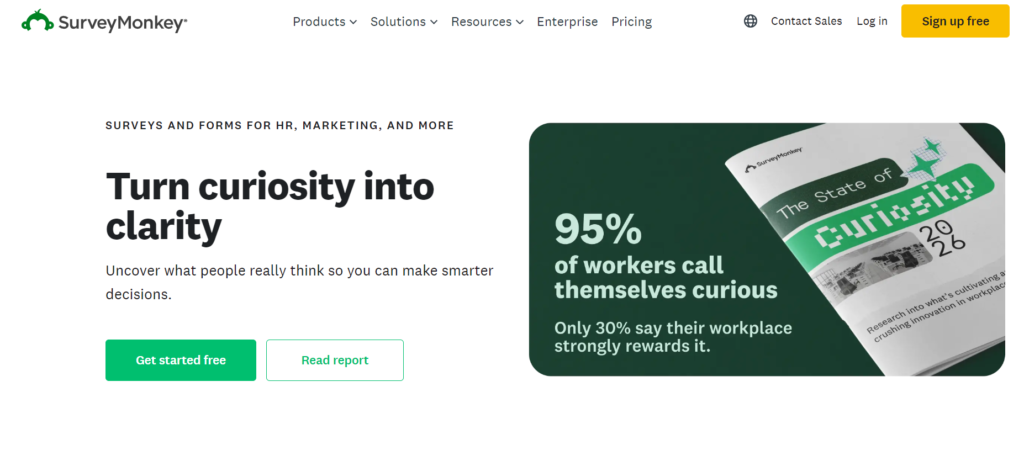
SurveyMonkey Genius: Predictive Analytics for Mass Market
SurveyMonkey Genius represents an interesting evolution in AI survey tools: bringing enterprise-grade analytics to small and medium businesses at accessible price points.
What It Does:
The AI analyzes your survey before you send it, predicting response rates, identifying potentially biased questions, and suggesting improvements based on analysis of billions of responses across the platform.
Once responses start coming in, Genius automatically:
- Highlights statistically significant trends
- Groups similar open-ended responses into themes
- Detects sentiment shifts across respondent segments
- Flags responses that require immediate attention
- Generates executive summaries in plain language
Testing Results:
Using SurveyMonkey Genius for an employee engagement survey, the AI identified that responses mentioning “work-life balance” had declined 23% compared to the previous quarter, even though overall satisfaction remained stable. This early warning allowed HR to address burnout issues before they impacted retention.
The automatic text analysis categorized 847 open-ended responses into 12 distinct themes in under 30 seconds—a task that would have taken 8-10 hours manually.
Strengths:
- Accessible AI for non-technical users
- Massive template library with AI optimization
- Strong benchmarking data across industries
- Excellent mobile experience
- Good integration with common business tools
Limitations:
- AI features less sophisticated than enterprise platforms
- Limited customization of AI models
- Predictive analytics require Advantage plan or higher
- Can feel template-driven for unique use cases
Pricing: Standard: $25/month. Advantage: $49/month (includes Genius AI). Premier: $99/month.
Official Site: https://www.surveymonkey.com
Related: If you need to coordinate survey distribution and follow-up schedules, explore our guide on AI scheduling tools for automated reminders and calendar management.
Qualtrics XM: Enterprise-Grade Experience Intelligence
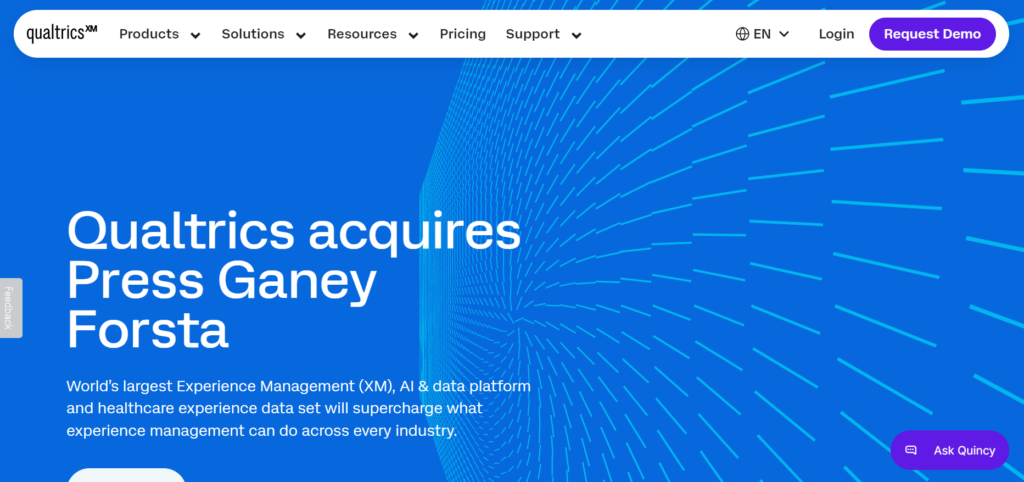
Qualtrics positions itself not merely among AI survey tools but as a comprehensive experience management platform that uses AI to predict and shape human behavior across customer, employee, and brand experiences.
Advanced Capabilities:
The platform’s AI, called iQ, provides:
Predictive Intelligence Rather than just reporting what happened, Qualtrics predicts what will happen. It can forecast customer churn with 85%+ accuracy based on survey responses combined with behavioral data, identify which employees are flight risks, and predict product adoption rates before launch.
Text iQ This natural language processing engine analyzes open-ended feedback at massive scale, automatically categorizing responses, detecting sentiment, identifying emerging topics, and surfacing verbatim quotes that best represent each theme.
Stats iQ Automated statistical analysis that runs appropriate tests based on your data type, identifies statistically significant differences between segments, and explains findings in plain language without requiring statistical expertise.
Distribution iQ AI optimizes survey delivery timing and channels for each respondent based on their historical engagement patterns, maximizing response rates and data quality.
Enterprise Application:
A Fortune 500 retailer used Qualtrics to analyze 50,000+ customer responses across multiple touchpoints. The AI identified that customers who mentioned “associate knowledge” in store surveys had 2.3x higher lifetime value, leading to a targeted training initiative that increased sales by $12M annually.
Strengths:
- Most sophisticated AI capabilities in the market
- Predictive analytics that actually predict
- Handles massive scale (millions of responses)
- Comprehensive experience management beyond surveys
- Strong security and compliance features
Limitations:
- Significant learning curve
- Expensive (custom pricing, typically $5,000+/year minimum)
- Overkill for simple survey needs
- Requires dedicated admin resources
- Implementation can take weeks
Pricing: Custom enterprise pricing. Typically starts around $5,000-10,000/year for mid-market, $20,000+ for full enterprise.
Official Site: https://www.qualtrics.com
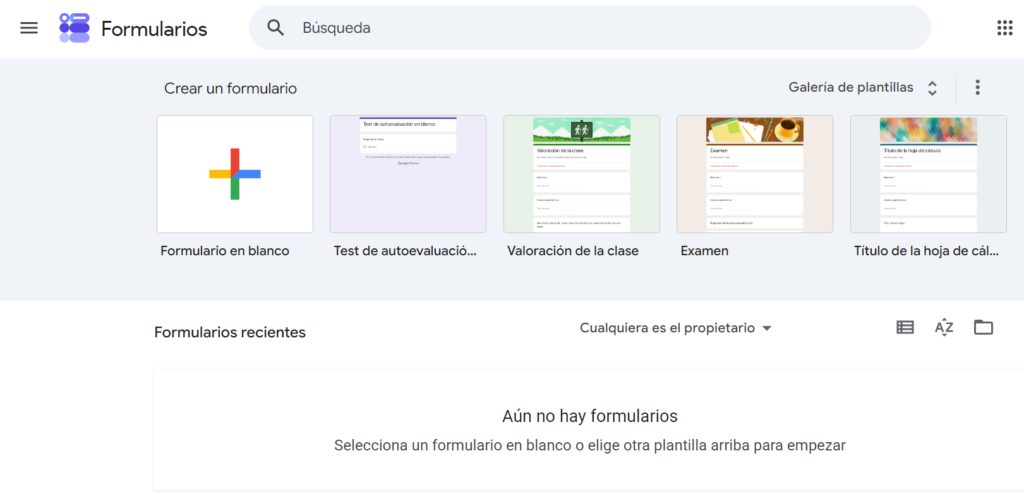
Google Forms + AI: Simple Collection with Smart Analysis
Google Forms has long been the go-to free survey tool, and while it lacks native AI features, combining it with Google’s AI ecosystem creates a surprisingly powerful AI survey tools solution at zero cost.
The Hybrid Approach:
While Google Forms itself doesn’t have built-in AI, you can layer AI capabilities through:
Google Sheets + AI Functions Export responses to Google Sheets and use:
- Natural language processing through third-party add-ons like MonkeyLearn
- Sentiment analysis formulas
- Automated categorization using Google Cloud Natural Language API
- Pattern detection with Google’s AI Platform
Gemini Integration Paste open-ended responses into Gemini (Google’s AI assistant) and ask it to:
- Identify common themes
- Analyze sentiment
- Generate summaries
- Suggest action items
Automated Workflows Use Google Apps Script to automatically:
- Send responses to AI APIs for analysis
- Trigger alerts when sentiment drops below thresholds
- Generate weekly insight reports
Practical Application:
A nonprofit used Google Forms to collect program feedback from 500 participants. By connecting responses to Google Sheets and using a free tier MonkeyLearn integration, they automatically categorized feedback into themes and detected sentiment trends—achieving 80% of what enterprise tools offer at zero cost.
Strengths:
- Completely free
- Unlimited surveys and responses
- Easy to use
- Integrates with Google Workspace
- Good for basic collection
Limitations:
- No native AI (requires manual integration)
- Limited design customization
- Basic analytics without AI
- Requires technical setup for AI features
- Not suitable for complex logic
Pricing: Free with Google account.
Official Site: https://forms.google.com
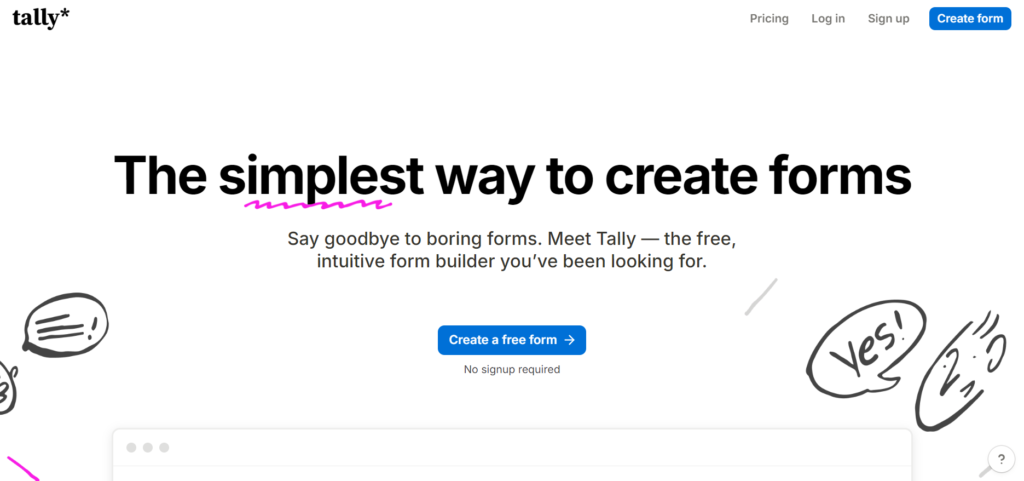
Tally: No-Code Forms with Intelligent Response Routing
Tally has emerged as a modern alternative among AI survey tools, combining beautiful design with smart logic that adapts to respondent behavior without requiring technical expertise.
Core Features:
While Tally’s AI capabilities are more subtle than enterprise platforms, they excel at:
Smart Conditional Logic The platform uses machine learning to suggest optimal branching rules based on how similar surveys perform. If you create a customer feedback form, Tally suggests follow-up questions based on satisfaction scores that have proven effective across thousands of similar surveys.
Intelligent Form Optimization Tally analyzes completion patterns and suggests improvements: “Questions 7-9 have 40% drop-off rate. Consider splitting into multiple pages.” Or “This question has 85% skip rate. Consider removing or rewording.”
Automated Workflows Connect responses to 2,000+ apps through Zapier and Make, enabling AI-powered analysis in tools like:
- ChatGPT for sentiment analysis
- Airtable for intelligent database management
- Notion AI for automated summarization
Real-World Use:
A startup used Tally to collect product-market fit feedback from 200 beta users. The intelligent routing asked different follow-up questions based on user segments, and automated Zapier workflows sent responses to ChatGPT for theme extraction. Total cost: $0 (free Tally tier + free ChatGPT).
Strengths:
- Beautiful, modern interface
- Generous free tier (unlimited forms and responses)
- Smart conditional logic
- Excellent user experience
- Good integration options
Limitations:
- Limited native AI (relies on integrations)
- Smaller feature set than established platforms
- Less suitable for enterprise needs
- Fewer templates and examples
Pricing: Free for unlimited forms and responses. Pro: $29/month for advanced features.
Official Site: https://tally.so
Formidable Forms: WordPress Integration with AI Insights
For WordPress users, Formidable Forms represents the most sophisticated AI survey tools option, bringing intelligent form capabilities directly into the world’s most popular content management system.
WordPress-Native AI:
The platform’s AI features include:
Smart Form Building Describe what you need in natural language (“Create a customer satisfaction survey with NPS scoring”), and the AI generates a complete, ready-to-use form with appropriate fields, logic, and styling.
Intelligent Data Analysis Built-in AI analyzes form submissions to:
- Detect patterns and trends
- Categorize open-ended responses
- Generate visual reports automatically
- Alert you to anomalies or concerning trends
AI-Powered Views Create dynamic displays of survey results that automatically update and can include AI-generated summaries, sentiment visualizations, and trend charts.
Integration Capabilities:
Because it lives in WordPress, Formidable Forms connects seamlessly with:
- Your existing user database
- WooCommerce for customer surveys
- Membership plugins for segmented feedback
- Custom post types for structured data storage
Practical Application:
An e-commerce site used Formidable Forms to collect post-purchase feedback. The AI automatically categorized responses by product category, detected sentiment trends by customer segment, and triggered automated follow-up emails for negative responses. All data stayed within WordPress, eliminating the need for external survey platforms.
Strengths:
- Deep WordPress integration
- No external platform required
- One-time payment option (not just subscription)
- Complete data ownership
- Highly customizable
Limitations:
- Requires WordPress knowledge
- AI features less sophisticated than dedicated platforms
- Steeper learning curve
- Only works within WordPress ecosystem
Pricing: Basic: $49/year. Business: $99/year. Elite: $199/year (includes AI features).
Official Site: https://formidableforms.com

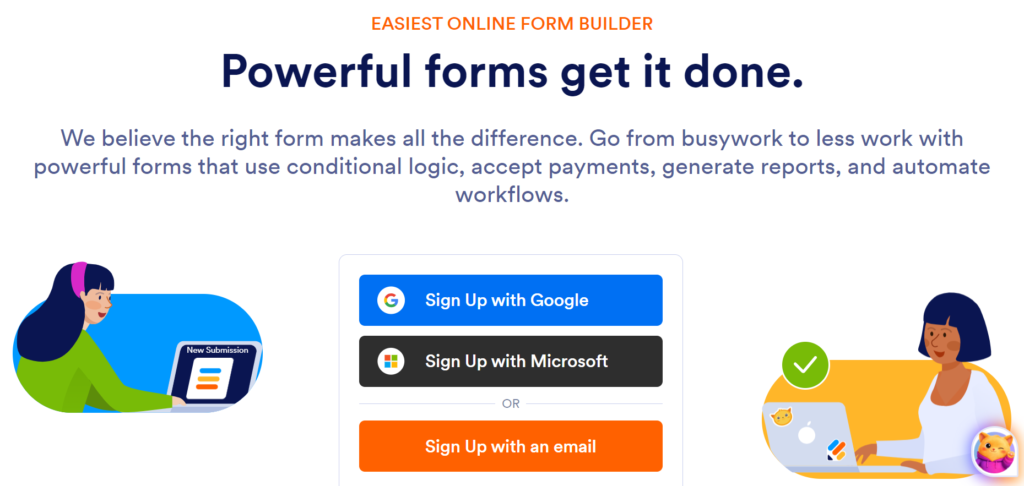
JotForm AI: Versatile Data Collection with Automated Workflows
JotForm has evolved from a simple form builder into a comprehensive data collection platform with meaningful AI capabilities that serve diverse use cases from healthcare to education.
AI-Powered Features:
JotForm AI Assistant Describe your survey needs in plain language, and the AI generates a complete form with appropriate fields, validation rules, and conditional logic. “Create an employee feedback survey measuring engagement, work-life balance, and management effectiveness” produces a ready-to-deploy form in seconds.
Smart Auto-Fill The AI learns from previous responses and user data to pre-fill forms intelligently, reducing completion time and improving data accuracy.
Automated Report Generation Once responses start coming in, AI automatically:
- Creates visualizations highlighting key findings
- Generates executive summaries
- Identifies statistically significant trends
- Flags responses requiring immediate attention
Workflow Automation AI-powered workflows can:
- Route responses to appropriate team members based on content
- Trigger follow-up surveys based on satisfaction scores
- Send alerts when sentiment drops below thresholds
- Update CRM records automatically
Testing Results:
A healthcare clinic used JotForm AI to collect patient satisfaction feedback across five locations. The AI automatically categorized responses by department, detected that “wait time” mentions correlated with lower satisfaction scores, and triggered automated appointment reminders for patients who mentioned scheduling difficulties.
Strengths:
- Comprehensive template library (10,000+ templates)
- Strong AI form generation
- Excellent workflow automation
- HIPAA compliance available
- Good mobile experience
- Extensive integration options
Limitations:
- AI features require higher-tier plans
- Can feel overwhelming with so many options
- Interface less modern than newer competitors
- Advanced features have learning curve
Pricing: Free for up to 5 forms. Bronze: $34/month. Silver: $39/month. Gold: $99/month (AI features included).
Official Site: https://www.jotform.com
Comparative Analysis: Choosing Your Platform
Selecting the right AI survey tools depends on your specific needs, budget, and technical capabilities. Here is how they compare across critical dimensions:
Best for User Experience
Winner: Typeform Conversational interface feels genuinely engaging, not interrogative.
Best for Enterprise Intelligence
Winner: Qualtrics XM Predictive analytics and experience management at scale.
Best for Budget-Conscious Teams
Winner: Google Forms + AI integrations Zero cost with surprising capability through smart integrations.
Best for WordPress Sites
Winner: Formidable Forms Native integration with complete data ownership.
Best for Quick Deployment
Winner: SurveyMonkey Genius Extensive template library with AI optimization.
Best for Modern Startups
Winner: Tally Beautiful design with intelligent logic at accessible pricing.
Best for Workflow Automation
Winner: JotForm AI Comprehensive automation across collection, analysis, and action.
Feature Comparison Matrix
| Platform | AI Sophistication | Ease of Use | Pricing | Best For |
|---|---|---|---|---|
| Typeform | High | Very Easy | $ | Customer-facing surveys |
| SurveyMonkey | Medium-High | Very Easy | $$ | General business use |
| Qualtrics | Very High | Complex | $$ | Enterprise intelligence |
| Google Forms | Low (with integrations) | Very Easy | Free | Budget-conscious teams |
| Tally | Medium | Easy | Free-$ | Modern startups |
| Formidable Forms | Medium | Medium | $$ | WordPress users |
| JotForm | High | Easy | −$ | Workflow automation |
Implementation Strategy: From Questions to Actionable Intelligence
Deploying AI survey tools effectively requires more than selecting a platform. You need a strategic approach that maximizes insight quality and drives action.
Phase 1: Define Objectives Clearly (Week 1)
- What decisions will this survey inform?
- What specific metrics matter most?
- Who needs to see the results?
- What actions might you take based on findings?
Vague objectives produce vague insights. “Understand customer satisfaction” is too broad. “Identify top 3 drivers of churn among customers who cancel in first 90 days” is actionable.
Phase 2: Design with AI Assistance (Week 2)
- Use platform AI to suggest question types and wording
- Keep surveys focused (5-7 minutes maximum completion time)
- Mix quantitative (scaled questions) and qualitative (open-ended)
- Test on 5-10 people before full deployment
Phase 3: Deploy Strategically (Week 3)
- Time distribution for maximum response (Tuesday-Thursday, 10am-2pm typically best)
- Segment audiences for targeted questions
- Set up automated reminders
- Monitor response rates in real-time
Phase 4: Analyze with AI, Interpret with Humans (Week 4)
- Let AI identify patterns and themes
- Apply human judgment to understand context
- Triangulate survey data with behavioral metrics
- Create executive summary with key findings and recommendations
Phase 5: Act and Close the Loop (Ongoing)
- Share findings with stakeholders
- Implement changes based on insights
- Communicate back to respondents what you learned and what you are doing
- Measure impact of changes in follow-up surveys
The Future of Feedback: Beyond Traditional Surveys
AI survey tools represent just the beginning of intelligent feedback collection. Emerging trends include:
Passive Feedback Collection Rather than asking customers to complete surveys, AI analyzes behavioral data, support tickets, social media mentions, and usage patterns to infer satisfaction and identify issues proactively.
Conversational AI Interviews Instead of static forms, AI-powered chatbots conduct natural conversations that adapt in real-time, probing deeper into interesting responses and making feedback feel like dialogue rather than interrogation.
Predictive Experience Platforms Rather than measuring past satisfaction, these systems predict future behavior and recommend interventions before issues occur. They might alert you that a customer is 80% likely to churn in the next 30 days based on subtle changes in engagement patterns.
Multimodal Sentiment Analysis AI analyzes not just what people say, but how they say it—tone of voice, facial expressions, typing patterns—to detect emotions respondents might not explicitly state.
Continuous Listening Programs Rather than periodic surveys, organizations deploy always-on feedback systems that capture sentiment across multiple touchpoints, creating real-time experience dashboards.
The organizations that thrive will be those that view surveys not as isolated data collection events, but as one component of comprehensive experience intelligence systems that combine AI analysis with human empathy and action.
Frequently Asked Questions
Do AI survey tools replace human analysis?
No. AI survey tools excel at processing volume, identifying patterns, and surfacing insights from large datasets. Humans provide context, interpret nuance, understand organizational culture, and make judgment calls about which insights to act on. The best approach combines AI efficiency with human wisdom.
How accurate is AI sentiment analysis?
Modern AI sentiment analysis achieves 80-90% accuracy for clear positive/negative sentiment. However, it struggles with sarcasm, cultural nuances, mixed emotions, and domain-specific language. Always sample-check AI categorizations, especially for critical decisions.
Can small businesses afford AI survey tools?
Yes. Many platforms offer free tiers (Google Forms, Tally) or affordable entry points ($25-50/month for Typeform, SurveyMonkey). The ROI from even one actionable insight typically justifies the investment.
How long does it take to see value from AI survey tools?
Immediate value: Automated analysis saves hours of manual work on your first survey. Short-term value (1-3 months): Pattern recognition reveals insights you would have missed. Long-term value (6+ months): Predictive analytics and trend analysis inform strategic decisions.
Are AI-generated survey questions as good as human-written ones?
AI-generated questions are excellent starting points and often match human quality for standard use cases. However, for nuanced topics, sensitive subjects, or unique contexts, human refinement improves relevance and reduces bias. Use AI for 80% of the work, then apply human judgment for the final 20%.
What about data privacy and GDPR compliance?
Reputable AI survey tools comply with GDPR, CCPA, and other privacy regulations. However, compliance is a shared responsibility. You must:
- Obtain explicit consent for data collection
- Clearly explain how you will use responses
- Provide opt-out mechanisms
- Secure stored data
- Honor deletion requests
- Avoid collecting unnecessary personal information
Always review your platform’s data processing agreement and privacy policies.
Can AI survey tools handle multiple languages?
Most enterprise platforms (Qualtrics, SurveyMonkey, Typeform) support 50+ languages with AI analysis capabilities. However, sentiment analysis accuracy varies by language, with English typically achieving highest accuracy. For multilingual surveys, verify your platform supports your required languages before committing.
How do I increase survey response rates?
AI survey tools can help optimize, but fundamental principles apply:
- Keep it short (5-7 minutes maximum)
- Send at optimal times (Tuesday-Thursday, mid-morning)
- Personalize invitations
- Explain why their feedback matters
- Offer incentives when appropriate
- Send 1-2 reminders (not more)
- Make it mobile-friendly
- Show progress indicators