
AI coding assistants have fundamentally reshaped how developers write, debug, and deploy software. The era of manual boilerplate generation and repetitive syntax memorization is over. Modern engineering teams now rely on intelligent pair programmers that understand context, predict intent, and accelerate delivery cycles without compromising code quality.
If you are still typing every function from scratch or spending hours hunting down obscure documentation, you are leaving productivity on the table. The right intelligent tool does not replace your expertise. It amplifies it. It handles the tedious patterns so you can focus on architecture, business logic, and complex problem-solving.
This evaluation moves beyond marketing claims. It examines three market leaders through the lens of actual development workflows: GitHub Copilot, Tabnine, and Codeium. We will analyze context awareness, latency, privacy models, pricing structures, and real-world accuracy. The goal is not to declare a single winner. It is to match each platform to your specific stack, team size, and security requirements.
- Why Context Awareness Matters More Than Raw Speed
- GitHub Copilot: Ecosystem Depth and Broad Compatibility
- Tabnine: Enterprise Security and On-Premise Flexibility
- Codeium: Performance Optimization and Cost Efficiency
- Comparative Analysis: Latency, Accuracy, and Pricing
- Integration Workflows for Modern Tech Stacks
- Common Adoption Mistakes That Slow Down Teams
- The Road Ahead: From Autocomplete to Autonomous Agents
- Frequently Asked Questions
Why Context Awareness Matters More Than Raw Speed
Early autocomplete tools suggested single lines based on immediate cursor position. They lacked architectural understanding. Modern AI coding assistants operate differently. They parse entire repositories, track cross-file dependencies, and maintain conversation history across debugging sessions.
Context window size directly impacts suggestion quality. A tool that only sees your current file will generate syntactically correct but logically flawed code. A tool that understands your project structure, imported libraries, and recent commits will propose implementations that align with existing patterns.
Latency is equally critical. Developers abandon tools that introduce noticeable typing delays. The best systems run suggestions in the background, caching predictions and delivering completions in under 200 milliseconds. Speed without accuracy creates friction. Accuracy without speed creates distraction. You need both.
GitHub Copilot: Ecosystem Depth and Broad Compatibility
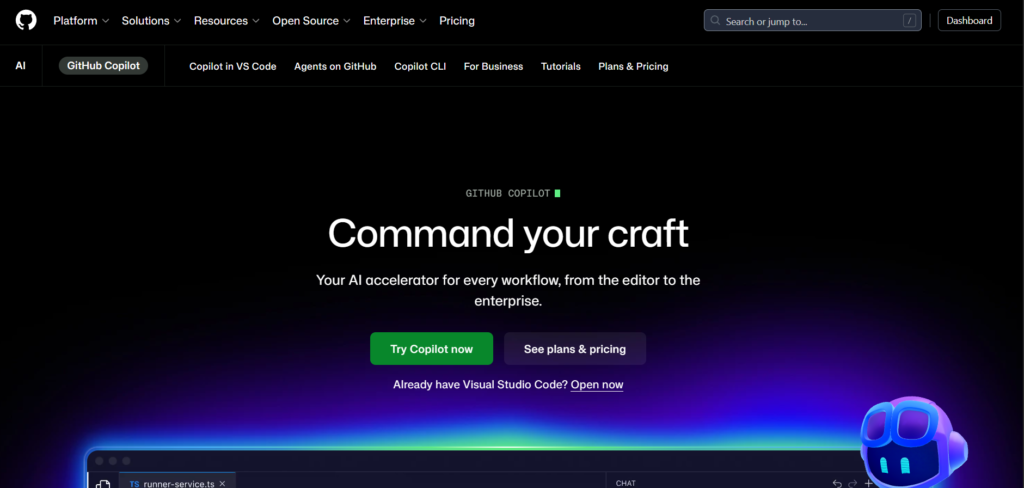
GitHub Copilot dominates the market through seamless integration with the developer ecosystem most teams already use. Built on OpenAI’s foundation models and fine-tuned on billions of lines of public code, it functions as a ubiquitous pair programmer.
AI coding assistants integration with IDEs
The extension works natively across VS Code, JetBrains IDEs, Visual Studio, and Neovim. Setup requires minimal configuration. Once activated, it provides inline completions, chat-based debugging, and command generation directly in the terminal.
What sets Copilot apart is its repository-wide awareness. When you open a pull request, it can summarize changes, suggest review comments, and even generate unit tests based on modified functions. The chat interface allows multi-turn conversations where you can ask architectural questions, request refactoring strategies, or debug stack traces without leaving your editor.
Real-World Performance Testing across JavaScript, Python, and Rust projects revealed strong pattern recognition. Copilot excels at framework-specific syntax (React hooks, Django models, async Rust traits). It occasionally hallucinates deprecated API methods, but the inline suggestion interface makes verification quick. The enterprise tier adds organizational policy controls and IP indemnification.
Strengths:
- Native GitHub/VS Code ecosystem integration
- Strong multi-language support
- Chat interface for complex debugging
- Regular model updates from OpenAI/Microsoft
- Enterprise compliance features
Limitations:
- Requires active internet connection for cloud processing
- Higher price point for teams
- Context window sometimes truncates large monorepos
- Limited offline functionality
Pricing: Individual: $10/month. Business: $19/user/month. Enterprise: $39/user/month.
Official Site: https://github.com/features/copilot
Tabnine: Enterprise Security and On-Premise Flexibility
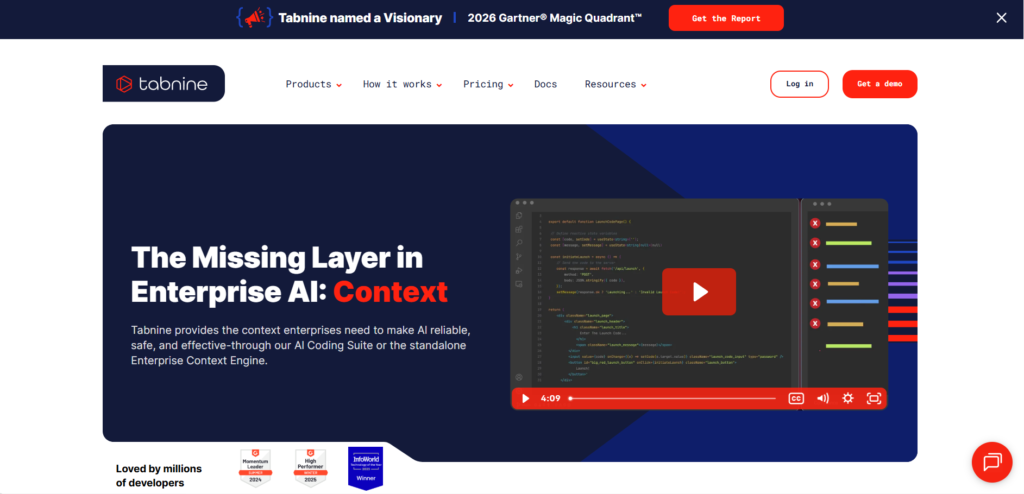
Tabnine takes a fundamentally different approach among AI coding assistants by prioritizing data privacy, customizable models, and deployment flexibility. It appeals to organizations with strict compliance requirements or those operating in air-gapped environments.
AI coding assistants for secure environments
Unlike cloud-dependent alternatives, Tabnine offers full on-premise deployment. You can run the model on your own infrastructure, ensuring that proprietary code never leaves your network. This architecture satisfies SOC 2, GDPR, and HIPAA compliance mandates without requiring legal workarounds.
The platform also supports custom model training. Teams can feed internal codebases, style guides, and architectural patterns into a private instance. The AI learns your specific conventions, reducing the need for manual corrections and maintaining consistency across legacy and modern systems.
Real-World Performance In enterprise Java and C# environments, Tabnine demonstrated superior adherence to internal naming conventions and security protocols. The suggestion engine feels slightly more conservative than Copilot, prioritizing safe, predictable completions over creative generation. This trade-off reduces hallucination rates but may feel less “magical” during exploratory coding.
Strengths:
- Full on-premise and VPC deployment options
- Custom model training on proprietary code
- Strong compliance and audit trails
- Works offline once deployed
- IDE-agnostic support
Limitations:
- Higher infrastructure requirements for self-hosting
- Slower adoption of cutting-edge generative features
- Steeper initial configuration curve
- Less intuitive chat interface compared to competitors
Pricing: Starter: Free (basic completions). Pro: $12/user/month. Enterprise: Custom pricing for on-premise.
Official Site: https://www.tabnine.com
Codeium: Performance Optimization and Cost Efficiency
Codeium has rapidly gained traction by focusing on raw inference speed, generous free tiers, and aggressive optimization for latency-sensitive workflows. It positions itself as the high-performance alternative for developers who prioritize responsiveness and budget control.
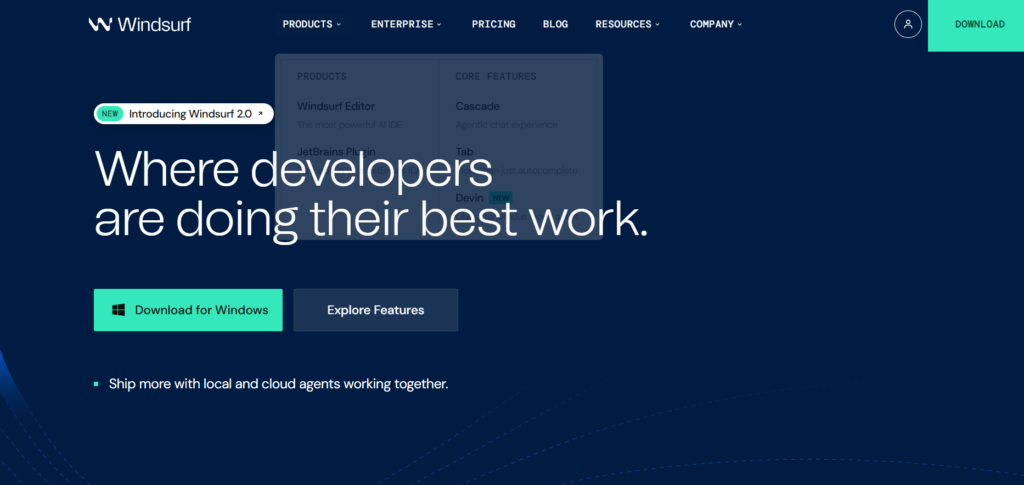
Important Clarification: Codeium vs Windsurf
Before diving into features, let’s clear up common confusion. Codeium is the company that develops AI coding tools. They offer two distinct products:
- Codeium (Extension) – The AI autocomplete and chat extension that integrates into VS Code, JetBrains IDEs, Vim, and other editors. This is what we’re comparing against Copilot and Tabnine.
- Windsurf – A standalone IDE (forked from VS Code) with AI capabilities built directly into the editor core.
For this comparison, we’re evaluating Codeium the extension, not Windsurf the IDE. The extension works in your existing development environment without requiring you to switch editors.
AI coding assistants performance benchmarks
The Codeium extension utilizes custom-trained models optimized specifically for code completion tasks. By stripping away unnecessary conversational overhead and focusing on token prediction efficiency, Codeium consistently delivers suggestions with minimal delay. Independent benchmarks frequently show completion times under 150 milliseconds, even during peak usage.
The free tier is remarkably robust. Individual developers get unlimited completions, chat access, and support for 70+ languages without watermarks or usage caps. This accessibility has made it popular among students, indie hackers, and open-source contributors who need professional-grade assistance without subscription costs.
Real-World Performance Testing in Python and TypeScript projects highlighted Codeium’s strength in boilerplate reduction and API integration. It accurately predicts function signatures, imports, and error handling patterns with high precision. The chat feature, while newer than Copilot’s, provides concise, actionable responses without excessive verbosity.
When to Choose Codeium Extension vs Windsurf IDE:
- Choose Codeium Extension if: You want to keep your current IDE setup, prefer VS Code or JetBrains, need quick setup without migration
- Choose Windsurf IDE if: You want AI deeply integrated at the editor level, don’t mind switching from VS Code, want experimental features first
Strengths:
- Exceptional inference speed and low latency
- Generous free tier for individuals (truly unlimited)
- Strong multi-language support across 70+ languages
- Efficient resource utilization
- Rapid feature iteration and updates
- No credit card required for free tier
Limitations:
- Smaller ecosystem integration than GitHub
- Less mature enterprise governance tools compared to Tabnine
- Context awareness slightly weaker in massive codebases
- Limited advanced security certifications for highly regulated industries
- Company is younger than Microsoft/GitHub (less long-term track record)
Pricing: Individual: Free (unlimited). Teams: $12/user/month. Enterprise: Custom pricing. Official Site: https://codeium.com
Related: If you need to coordinate sprint planning and code review schedules alongside your development workflow, explore our guide on AI scheduling tools for automated calendar management.
Comparative Analysis: Latency, Accuracy, and Pricing
Selecting the right platform requires weighing trade-offs across critical dimensions. Here is how the three leaders compare in practical deployment scenarios.
Inference Latency Codeium leads in raw speed, consistently delivering completions fastest. Copilot follows closely, with occasional spikes during complex multi-file context loading. Tabnine’s cloud tier matches this performance, while on-premise deployments depend on your hardware specifications.
Context Accuracy Copilot excels at understanding modern frameworks and recent documentation. It handles React, Next.js, and FastAPI patterns exceptionally well. Tabnine shines in legacy enterprise stacks where consistency and compliance matter more than cutting-edge syntax. Codeium strikes a balance, offering reliable predictions across mainstream languages without heavy framework bias.
Pricing Structure For individual developers, Codeium’s free tier provides unmatched value. Copilot’s $10/month plan is reasonable for professionals already invested in the GitHub ecosystem. Tabnine’s free tier is limited, making its paid plans the entry point for serious usage. Teams should evaluate total cost of ownership, including infrastructure for on-premise options versus cloud subscription fees.
Feature Comparison Matrix
| Platform | Best For | Latency | Privacy Model | Pricing Entry |
|---|---|---|---|---|
| GitHub Copilot | Ecosystem integration | Low-Medium | Cloud (Enterprise on-prem available) | $10/mo |
| Tabnine | Compliance & security | Medium (Cloud) | On-premise / VPC / Cloud | Free / $12/mo |
| Codeium | Speed & accessibility | Very Low | Cloud (Privacy focused) | Free |
Integration Workflows for Modern Tech Stacks
Deployment strategy determines whether AI coding assistants become productivity multipliers or distracting overhead. Successful teams follow structured implementation phases.
Phase 1: Pilot Testing (Week 1-2) Select 3-5 developers across different tech stacks. Install extensions in VS Code and JetBrains environments. Configure basic settings and disable aggressive auto-completion to avoid suggestion fatigue. Measure baseline velocity metrics before enabling AI features.
Phase 2: Workflow Calibration (Week 3-4) Adjust suggestion thresholds based on language. High-level languages like Python benefit from broader context windows. Systems programming in C++ or Rust requires stricter validation. Enable chat interfaces for debugging sessions but keep inline completions focused on syntax and boilerplate.
Phase 3: Team Scaling (Month 2) Roll out to engineering groups. Implement shared prompt libraries for common patterns. Configure IDE snippets that trigger AI suggestions contextually. Establish code review guidelines that specifically address AI-generated segments, ensuring human verification remains mandatory.
Phase 4: Continuous Optimization (Ongoing) Monitor acceptance rates. If developers reject more than 40% of suggestions, adjust model parameters or switch platforms. Track build times, test coverage, and bug resolution rates. AI should reduce cognitive load, not introduce technical debt.
Common Adoption Mistakes That Slow Down Teams
Even powerful tools fail when misconfigured. Avoid these critical errors during rollout.
1. Blind Acceptance of Suggestions AI models hallucinate. They import non-existent libraries, misuse async/await patterns, or bypass security validations. Always review generated code before committing. Treat suggestions as drafts, not final implementations.
2. Ignoring Latency Impact Heavy models running on underpowered machines cause typing lag. Disable cloud sync if bandwidth is limited. Use local caching where available. A slow assistant disrupts flow state more than no assistant at all.
3. Over-Reliance on Chat for Simple Tasks Conversational interfaces are powerful but inefficient for routine syntax. Use inline completions for boilerplate. Reserve chat for architectural discussions, debugging complex errors, and refactoring strategies.
4. Neglecting Security Policies Public models train on user inputs unless explicitly configured otherwise. Enterprise teams must enable privacy modes, restrict data sharing, and audit token transmission. Never paste API keys, credentials, or proprietary algorithms into unsecured prompts.
5. Failing to Update IDE Extensions AI platforms release frequent model improvements and bug fixes. Outdated extensions miss performance optimizations and security patches. Enable automatic updates and test new versions in staging environments before production rollout.
The Road Ahead: From Autocomplete to Autonomous Agents
The evolution of AI coding assistants is accelerating beyond line-by-line completion. Next-generation systems function as autonomous development agents that can plan, execute, and verify entire features with minimal human oversight.
Current Trajectory
- Multi-step reasoning: Agents break down feature requests into implementation plans, generate code, run tests, and fix failures iteratively.
- Repository-wide refactoring: Tools analyze dependency graphs and safely migrate legacy patterns to modern standards without breaking functionality.
- Natural language deployment: Developers describe infrastructure requirements, and AI generates Terraform, Docker, or Kubernetes configurations with validation.
- Self-healing pipelines: CI/CD systems detect build failures, diagnose root causes, and propose patches automatically.
Implications for Developers The role will shift from syntax writer to architecture validator. Junior engineers will onboard faster with AI guidance. Senior developers will focus on system design, security auditing, and performance optimization. Teams that adopt agent-based workflows now will compress development cycles from weeks to days.
Strategic Preparation Invest in modular code architecture. Monolithic systems resist autonomous refactoring. Document interfaces clearly. Maintain comprehensive test suites. AI agents require stable contracts to operate safely. The future belongs to developers who guide machines, not those who compete with them.
Frequently Asked Questions
Do AI coding assistants replace junior developers?
No. They accelerate learning curves and handle repetitive tasks, but they cannot replace architectural judgment, requirement analysis, or cross-team collaboration. Junior developers who leverage these tools effectively become productive faster and focus on higher-value problem solving.
Are suggestions copyrighted or legally safe to use?
Major platforms filter training data to exclude licensed or restricted code. GitHub Copilot offers IP indemnification for enterprise users. Tabnine and Codeium provide compliance documentation. Always verify generated code against your organization’s legal guidelines, especially for proprietary algorithms.
Can I use these tools offline?
Tabnine supports full offline functionality when deployed on-premise. GitHub Copilot and Codeium require cloud connectivity for model inference. Some IDEs cache recent completions locally, but sustained offline development is limited to Tabnine’s enterprise architecture.
How do I measure ROI from AI coding assistants?
Track metrics that matter: lines of accepted code, time saved on boilerplate, reduction in debugging cycles, and developer satisfaction scores. Avoid vanity metrics like total suggestions generated. Focus on velocity improvements and defect reduction. Typical ROI materializes within 60-90 days of consistent usage.
Which language ecosystems benefit most?
JavaScript/TypeScript, Python, and Java show the highest acceptance rates due to extensive training data and consistent syntax patterns. Rust, Go, and C++ perform well but require stricter validation due to memory safety and compilation requirements. Niche or legacy languages may see lower accuracy until model updates improve coverage.
Can multiple developers share a single license?
No. Licensing is per-user. Sharing credentials violates terms of service and compromises audit trails. Enterprise plans include centralized billing, usage analytics, and compliance reporting. Individual licenses cannot be pooled or rotated across team members.
What happens to my data when I use cloud-based assistants?
Reputable platforms encrypt data in transit and at rest. They do not store your code for model training unless explicitly opted in. Enterprise tiers provide data residency controls, deletion requests, and audit logs. Always review privacy policies and configure settings to match your security posture.
Will AI coding assistants support legacy codebases?
Yes, but accuracy depends on documentation and consistency. Well-structured legacy systems with clear naming conventions yield better suggestions. Spaghetti code with undocumented workarounds confuses context windows. Refactor critical modules first, then deploy AI assistance to accelerate modernization efforts.