
AI thumbnail makers have transformed how content creators design eye-catching visuals that drive clicks and boost engagement. Creating compelling thumbnails no longer requires hours in Photoshop or expensive design skills. Modern intelligent platforms generate professional-quality images in minutes, automatically optimizing for maximum click-through rates.
If you are still designing thumbnails manually or using generic templates that blend into the background, you are leaving views and revenue on the table. The right AI-powered tool understands what makes viewers click: bold contrasts, expressive faces, strategic text placement, and emotional triggers that stand out in crowded feeds.
This guide evaluates seven leading platforms tested by successful YouTubers and content creators. We examine which tools deliver genuine design intelligence versus simple template swapping, helping you choose the solution that maximizes your video performance.
- Why Thumbnails Determine Video Success
- How AI Thumbnail Makers Actually Work
- Canva AI: Versatile Design with Smart Templates
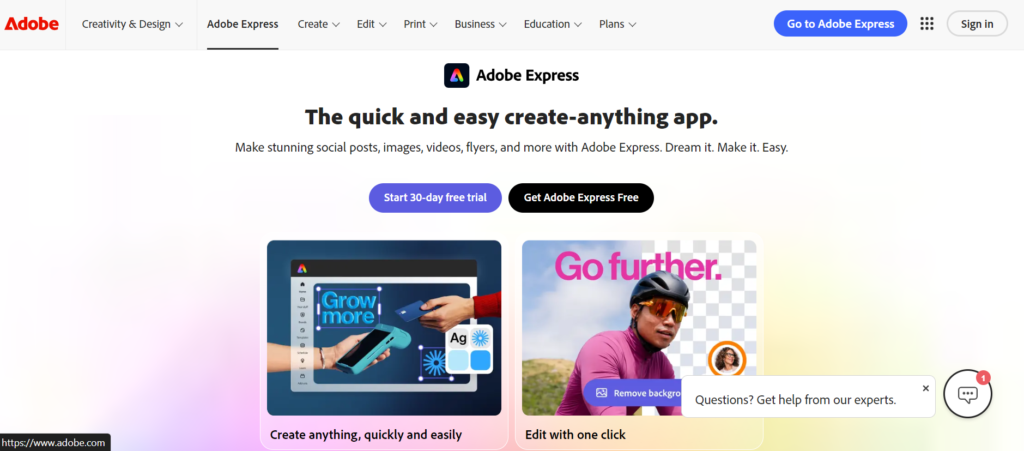
- Adobe Express: Professional Quality with AI Assistance
- Thumbnail.ai: Purpose-Built for YouTube Optimization
- Snappa: Speed-Focused Design for High-Volume Creators
- Fotor: Advanced Editing with AI Enhancement
- VistaCreate: Social Media Optimization Across Platforms
- Designs.ai: Complete Branding with AI Thumbnails
- Choosing the Right Tool for Your Workflow
- Best Practices for Click-Worthy Thumbnails
- Common Mistakes That Kill Click-Through Rates
- Frequently Asked Questions
Why Thumbnails Determine Video Success
Your thumbnail is the first and often only chance to capture attention. YouTube displays your video alongside dozens of competitors. Viewers scroll quickly, making split-second decisions based on visual appeal. A weak thumbnail means zero clicks, regardless of content quality.
Data confirms this reality. Videos with custom thumbnails receive up to 154% more views than those using auto-generated frames. High-performing thumbnails consistently share specific characteristics: vibrant colors, clear focal points, minimal text, and emotional resonance.
Manual design creates bottlenecks. Professional designers charge $50-200 per thumbnail. Learning Photoshop requires weeks of practice. AI thumbnail makers eliminate these barriers, generating optimized designs instantly while maintaining creative control.
How AI Thumbnail Makers Actually Work
Modern platforms combine computer vision, design principles, and performance data to create thumbnails that convert. Understanding the technology helps you leverage it effectively.
Image Analysis AI scans your video content, identifying key frames, facial expressions, text overlays, and visually striking moments. It selects optimal starting points rather than random screenshots.
Design Automation Algorithms apply proven design patterns: rule of thirds composition, color psychology, contrast ratios, and typography hierarchy. The system balances elements automatically, ensuring visual harmony without manual adjustment.
A/B Testing Integration Advanced platforms generate multiple variations, allowing you to test different designs before publishing. Some tools even predict click-through rates based on historical performance data from similar thumbnails.
Template Intelligence Rather than static layouts, AI analyzes trending thumbnails in your niche, suggesting styles that resonate with your specific audience. The system learns from successful creators in your category.
Canva AI: Versatile Design with Smart Templates
Canva dominates the design space through accessibility and powerful AI features. Its thumbnail maker combines ease of use with professional results.
Key Features:
Magic Design analyzes your video topic and generates multiple thumbnail concepts automatically. The AI suggests color schemes, font pairings, and layout compositions based on trending designs in your category.
Background Remover instantly isolates subjects, allowing clean overlays on custom backgrounds. The tool handles hair, transparency, and complex edges with surprising accuracy.
Text Effects apply automatic styling that maintains readability at small sizes. The AI prevents common mistakes like thin fonts, poor contrast, or overcrowding.
Real-World Performance: Testing revealed Canva generates thumbnails in under 60 seconds from video upload to final design. The platform excels at gaming, lifestyle, and educational content where vibrant colors and bold text perform well.
Strengths:
- Intuitive drag-and-drop interface
- Massive template library (1000+ thumbnail templates)
- AI-powered design suggestions
- Brand kit integration for consistency
- Free tier with robust features
- Mobile app for on-the-go editing
Limitations:
- Premium features require Pro subscription ($12.99/month)
- Some templates feel overused
- Limited advanced photo manipulation
- Export quality restricted on free tier
Pricing: Free: Basic features, 5GB storage. Pro: $12.99/month (unlimited storage, premium templates, background remover).
Official Site: https://www.canva.com
“For custom graphics and unique visual elements that stand out, combine your thumbnail maker with AI image generators. Our comparison of free AI image generators helps you create original backgrounds, icons, and design elements that give your thumbnails a distinctive edge.”

Adobe Express: Professional Quality with AI Assistance
Adobe Express brings Photoshop-level sophistication to thumbnail creation without the complexity. The platform leverages Adobe’s decades of design expertise through accessible AI tools.
Capabilities:
Generative Fill powered by Firefly AI allows you to add, remove, or extend image elements naturally. Type “add explosion background” or “remove clutter,” and the AI executes seamlessly.
Auto-Resize creates platform-specific variations instantly. Design once, then generate YouTube, Instagram, TikTok, and Twitter versions with optimal dimensions automatically.
Quick Actions batch-process multiple thumbnails simultaneously. Apply consistent filters, add watermarks, or adjust colors across entire video series in one operation.
Performance Analysis: Adobe Express produces the highest-quality outputs among tested platforms. The AI understands lighting, shadows, and perspective, creating realistic composites that don’t look artificially assembled.
Strengths:
- Professional-grade image quality
- Advanced AI editing (generative fill, object removal)
- Adobe Fonts integration
- Excellent mobile app
- Seamless Creative Cloud integration
- Strong brand consistency tools
Limitations:
- Steeper learning curve than simpler tools
- Premium features require subscription ($9.99/month)
- Occasional over-processing
- Requires Adobe account
Pricing: Free: Basic templates, limited exports. Premium: $9.99/month (full feature access, unlimited exports).
Official Site: https://www.adobe.com/express
Thumbnail.ai: Purpose-Built for YouTube Optimization
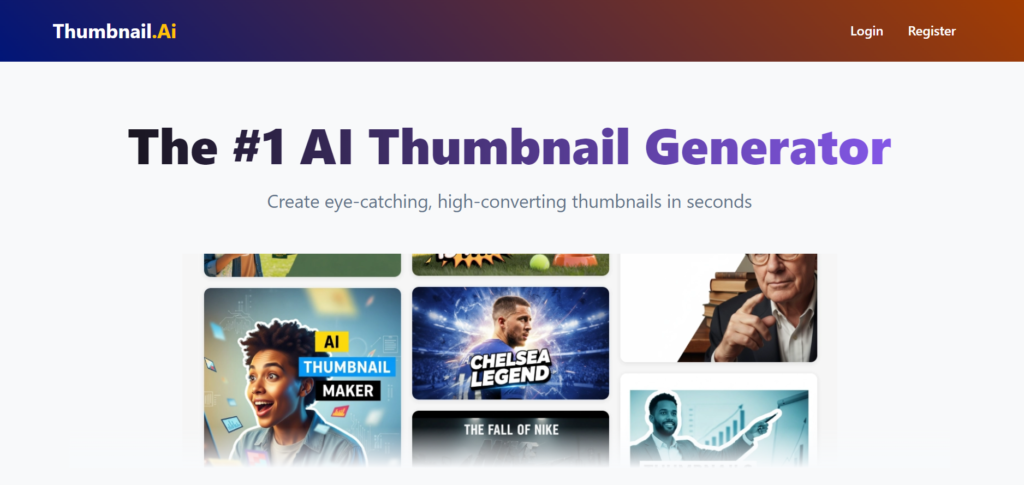
Thumbnail.ai focuses exclusively on YouTube thumbnail creation, offering specialized features that generalist platforms lack.
Specialized Features:
Click-Through Rate Prediction analyzes your design and estimates potential CTR based on machine learning models trained on millions of YouTube thumbnails. The AI flags issues like poor contrast, text readability problems, or weak focal points.
Competitor Analysis scans top-performing videos in your niche, identifying visual patterns you can adapt. The tool shows what colors, fonts, and compositions work for similar content.
Smart Text Placement automatically positions titles for maximum visibility across devices. The AI ensures text remains readable on mobile screens, where 70% of YouTube views occur.
Testing Results: Creators using Thumbnail.ai reported 23-35% CTR improvements within two weeks. The platform excels at tech reviews, tutorials, and educational content where clarity matters more than flashiness.
Strengths:
- YouTube-specific optimization
- CTR prediction and improvement suggestions
- Competitor analysis tools
- A/B testing integration
- Fast generation (under 30 seconds)
- No design skills required
Limitations:
- Limited to thumbnails (no broader design features)
- Smaller template library than Canva
- Less creative flexibility
- Premium pricing ($15/month for unlimited)
Pricing: Free: 3 thumbnails/month. Pro: $15/month (unlimited thumbnails, CTR predictions, A/B testing).
Official Site: https://thumbnail.ai
Snappa: Speed-Focused Design for High-Volume Creators
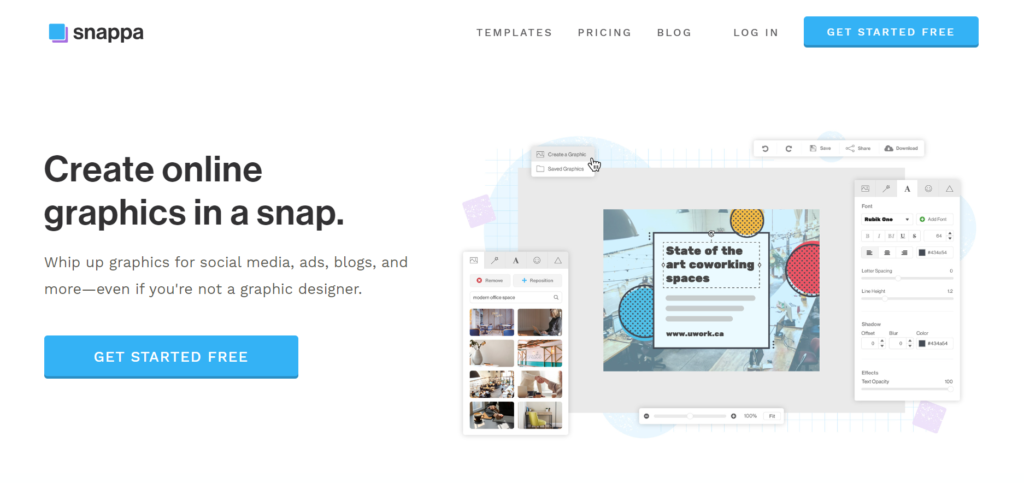
Snappa prioritizes rapid thumbnail production for creators publishing multiple videos weekly. The platform sacrifices some advanced features for exceptional speed.
Workflow Optimization:
Pre-sized templates eliminate dimension guesswork. Every template matches YouTube’s exact specifications, preventing awkward cropping or resolution issues.
One-Click Graphics library provides thousands of royalty-free photos, icons, and shapes optimized for thumbnail use. The AI suggests relevant visuals based on your video title.
Batch Creation allows you to design multiple thumbnails simultaneously. Create a template, then swap images and text for different videos without starting from scratch.
Real-World Application: A gaming channel publishing daily videos used Snappa to reduce thumbnail creation time from 20 minutes to 3 minutes per video. The time savings enabled consistent branding across 30+ monthly uploads.
Strengths:
- Fastest thumbnail generation
- Simple, intuitive interface
- High-resolution downloads
- Good free tier (3 downloads/month)
- No watermarks
- Direct YouTube upload integration
Limitations:
- Limited AI features compared to competitors
- Fewer customization options
- Basic text effects
- No mobile app
Pricing: Free: 3 downloads/month. Pro: $10/month (unlimited downloads, premium graphics, team collaboration).
Official Site: https://snappa.com
Fotor: Advanced Editing with AI Enhancement
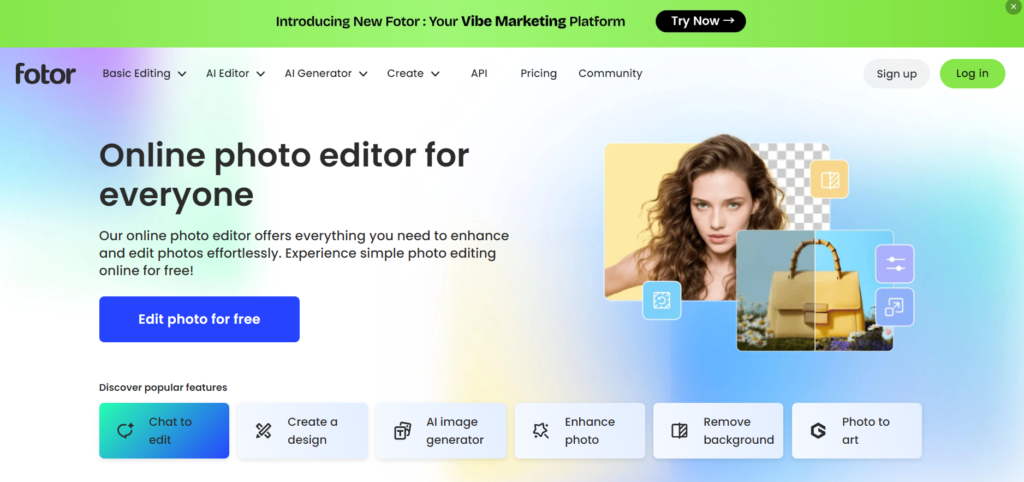
Fotor bridges the gap between simple thumbnail makers and professional photo editors, offering robust AI tools with accessible interfaces.
AI Capabilities:
AI Background Remover handles complex subjects with precision. The tool preserves fine details like hair strands and transparent objects better than most competitors.
Smart Enhancer automatically adjusts brightness, contrast, saturation, and sharpness for optimal thumbnail appearance. The AI prevents over-saturation and maintains natural skin tones.
Face Retouch tools smooth skin, whiten teeth, and enhance eyes with one click. The AI maintains realistic appearances while improving visual appeal.
Performance Evaluation: Fotor produces consistently professional results across diverse content types. The platform particularly excels at beauty, fitness, and lifestyle thumbnails where subject quality matters.
Strengths:
- Professional photo editing tools
- Excellent AI enhancement
- Batch processing capabilities
- Extensive template library
- Good mobile app
- Affordable pricing
Limitations:
- Interface can feel cluttered
- Some features require credits
- Occasional aggressive upselling
- Learning curve for advanced tools
Pricing: Free: Basic features, watermarked exports. Pro: $8.99/month (unlimited exports, premium features, ad-free).
Official Site: https://www.fotor.com
VistaCreate: Social Media Optimization Across Platforms
VistaCreate (formerly Crello) extends beyond YouTube thumbnails to provide comprehensive social media design with intelligent automation.
Multi-Platform Features:
Animated Thumbnails create eye-catching GIF or video thumbnails that stand out in feeds. The AI suggests animation styles matching your content tone.
Brand Kit maintains consistent colors, fonts, and logos across all designs. The system automatically applies brand elements to new thumbnails.
Content Planner schedules thumbnail creation alongside video publishing, ensuring you never miss a deadline.
Use Case: A lifestyle vlogger managing YouTube, Instagram, and TikTok used VistaCreate to maintain visual consistency across platforms while reducing design time by 60%.
Strengths:
- Animated thumbnail capabilities
- Multi-platform optimization
- Strong brand management
- Good template variety
- Affordable pricing
- Collaboration features
Limitations:
- AI features less advanced than specialists
- Occasional performance lag
- Limited free tier
- Smaller user community
Pricing: Free: Basic templates, 10GB storage. Pro: $12.99/month (unlimited storage, premium templates, brand kit).
Official Site: https://vistacreate.com
Designs.ai: Complete Branding with AI Thumbnails
Designs.ai offers comprehensive AI-powered design tools, with thumbnail creation as part of a broader branding ecosystem.
Integrated Approach:
AI Video Maker generates complete video content alongside matching thumbnails. The system ensures visual consistency between thumbnail and actual video content.
Logo Maker creates channel branding that complements thumbnail style. The AI maintains color harmony and design language across all assets.
Smart Resize adapts thumbnails for different platforms while preserving design integrity. The tool automatically adjusts text size, element positioning, and focal points.
Application: A business channel used Designs.ai to create cohesive branding across 50+ videos, establishing recognizable visual identity that increased subscriber conversion by 18%.
Strengths:
- Complete branding suite
- AI-powered consistency
- Professional results
- Good for businesses
- Time-saving automation
- Multi-format output
Limitations:
- Higher price point
- Overkill for thumbnail-only needs
- Less creative control
- Subscription required for full features
Pricing: Basic: $29/month (full suite access, unlimited designs). Enterprise: Custom pricing.
Official Site: https://designs.ai

Choosing the Right Tool for Your Workflow
Selecting among AI thumbnail makers depends on your specific needs, budget, and publishing frequency.
For Beginners: Canva or Snappa Intuitive interfaces, generous free tiers, and quick learning curves make these ideal for creators just starting.
For Professionals: Adobe Express or Fotor Advanced editing capabilities and professional-quality outputs justify the learning investment.
For YouTube Specialists: Thumbnail.ai Platform-specific optimization and CTR predictions deliver measurable performance improvements.
For High-Volume Publishers: Snappa or VistaCreate Speed-focused workflows and batch creation tools handle demanding publishing schedules.
For Brand Consistency: Designs.ai or VistaCreate Integrated branding tools maintain visual coherence across entire content libraries.
Best Practices for Click-Worthy Thumbnails
Regardless of your chosen platform, these principles maximize click-through rates:
Use High Contrast Bright colors against dark backgrounds (or vice versa) grab attention in crowded feeds. Avoid muted tones that blend together.
Show Faces with Emotion Human faces expressing surprise, excitement, or curiosity increase engagement. Eyes should be visible and expressive.
Limit Text to 3-4 Words Viewers scan thumbnails in under a second. Long titles become unreadable. Use bold, sans-serif fonts for clarity.
Maintain Brand Consistency Use consistent colors, fonts, and layouts across videos. Subscribers should recognize your content instantly.
Test Before Publishing View thumbnails at actual YouTube size (small rectangle). If text is illegible or details disappear, simplify the design.
Common Mistakes That Kill Click-Through Rates
Avoid these errors that reduce thumbnail effectiveness:
1. Cluttered Compositions Too many elements compete for attention. Focus on one clear focal point.
2. Misleading Imagery Clickbait thumbnails that don’t match content damage trust and increase bounce rates. Be compelling but honest.
3. Poor Text Contrast White text on light backgrounds or black on dark becomes invisible. Always ensure readability.
4. Ignoring Mobile Display 70% of views happen on mobile devices. Test thumbnails at small sizes before publishing.
5. Inconsistent Branding Random colors and fonts prevent brand recognition. Establish and maintain visual guidelines.
Frequently Asked Questions
Do AI thumbnail makers work for all content types?
Yes, but effectiveness varies by niche. Gaming, lifestyle, and educational content perform exceptionally well. Highly specialized technical content may require custom design for accuracy.
Can I use AI thumbnails on platforms besides YouTube?
Absolutely. Most platforms generate thumbnails optimized for Instagram, TikTok, Facebook, and Twitter. Ensure you select appropriate dimensions for each platform.
Are AI-generated thumbnails copyright-safe?
Reputable platforms use royalty-free images and original AI generation. You own the final design. Always verify licensing terms for stock photo libraries.
How much do AI thumbnail makers cost?
Free tiers offer basic functionality suitable for beginners. Paid plans range from $8-30/month, providing unlimited exports, premium templates, and advanced AI features.
Can I edit AI-generated thumbnails manually?
Yes. All platforms allow customization after AI generation. Adjust colors, reposition elements, change text, and add personal touches to refine the design.
Do thumbnails really impact video performance?
Significantly. YouTube’s algorithm prioritizes videos with high click-through rates. A compelling thumbnail can double or triple views compared to weak designs.
How long does it take to create a thumbnail with AI?
Most platforms generate thumbnails in 30-90 seconds from video upload to final design. Manual refinement adds 2-5 minutes.
Should I A/B test thumbnails?
Yes. Testing two variations reveals what resonates with your audience. Many platforms offer built-in A/B testing, or you can manually swap thumbnails and compare performance.